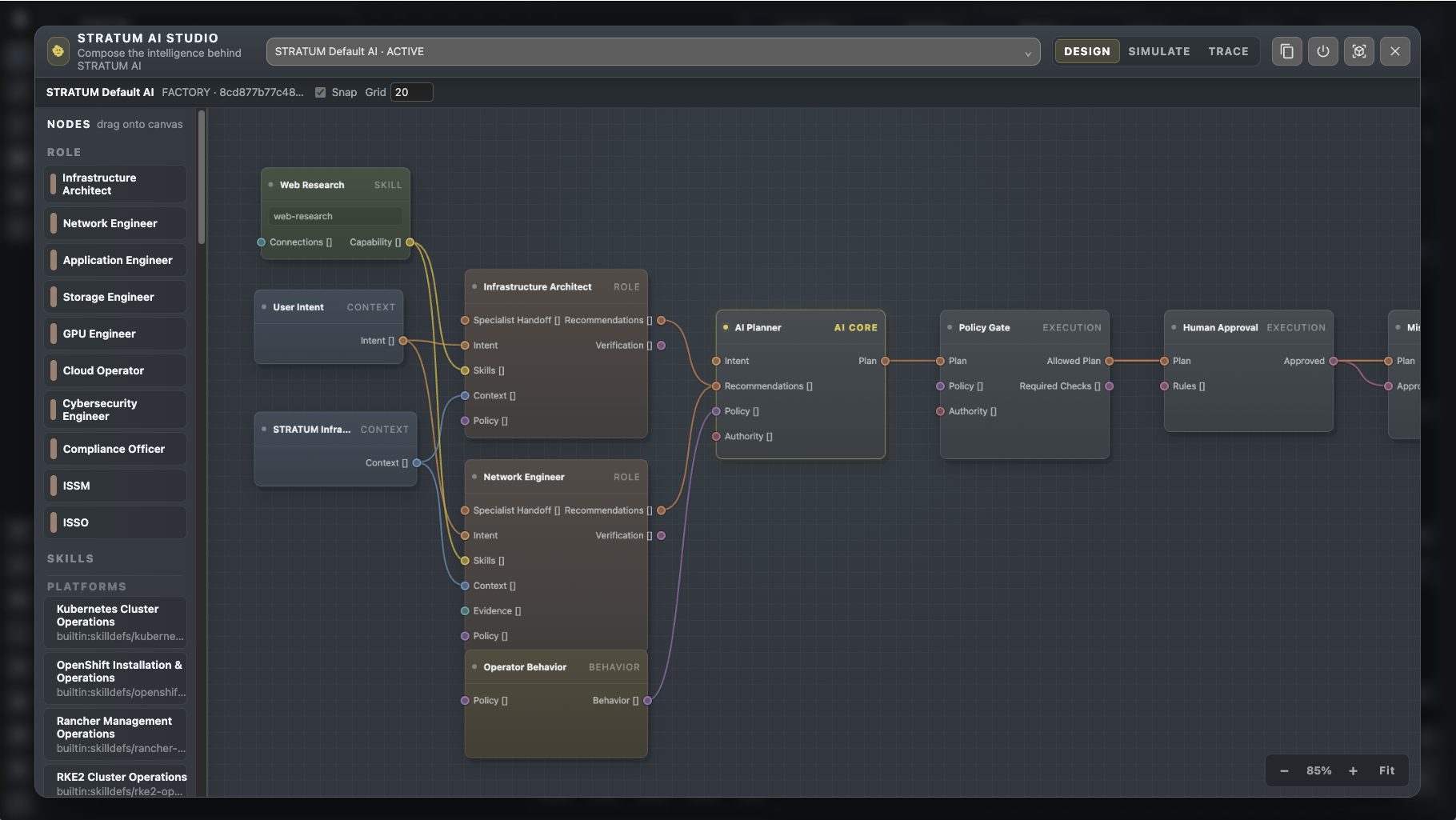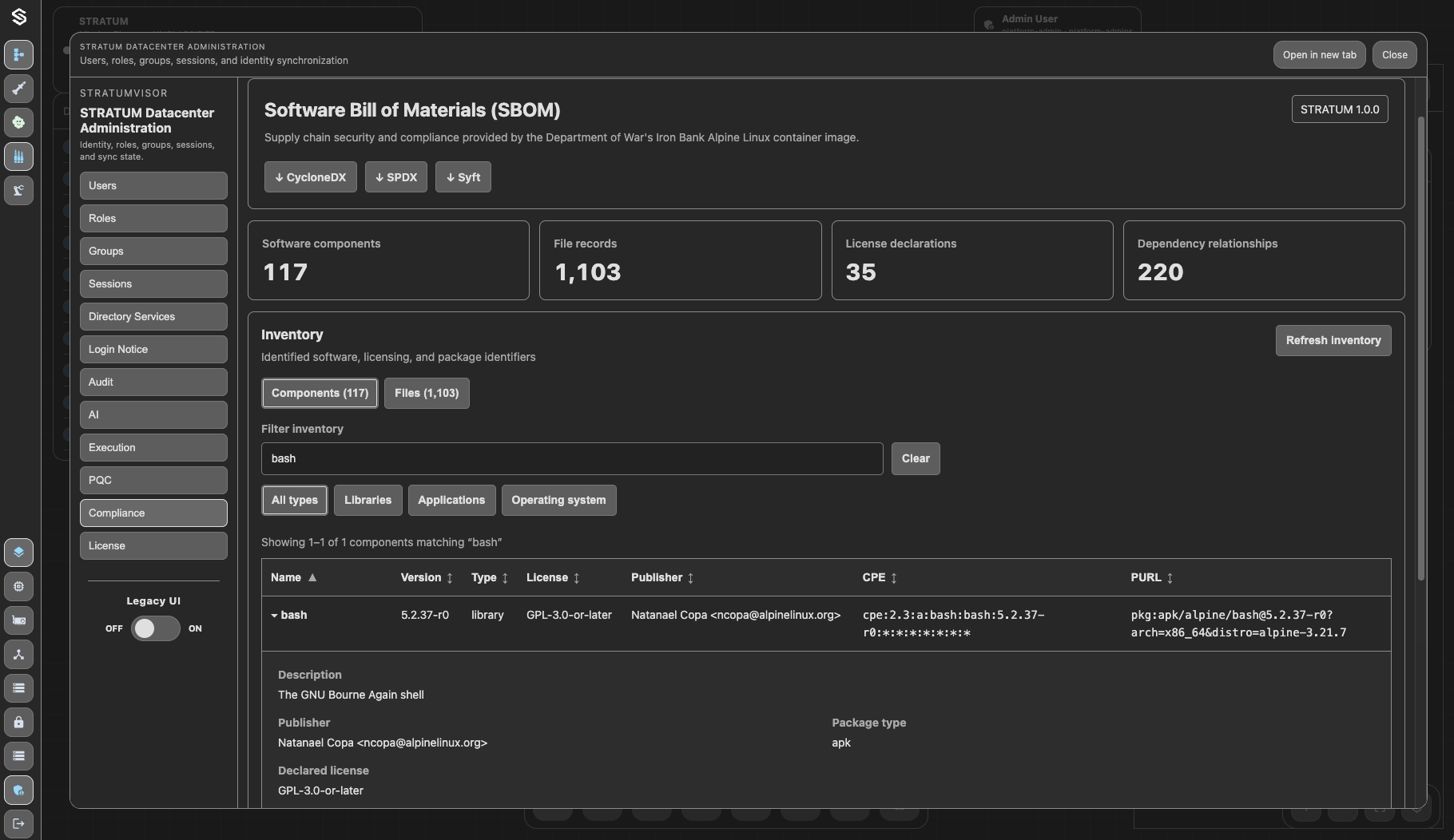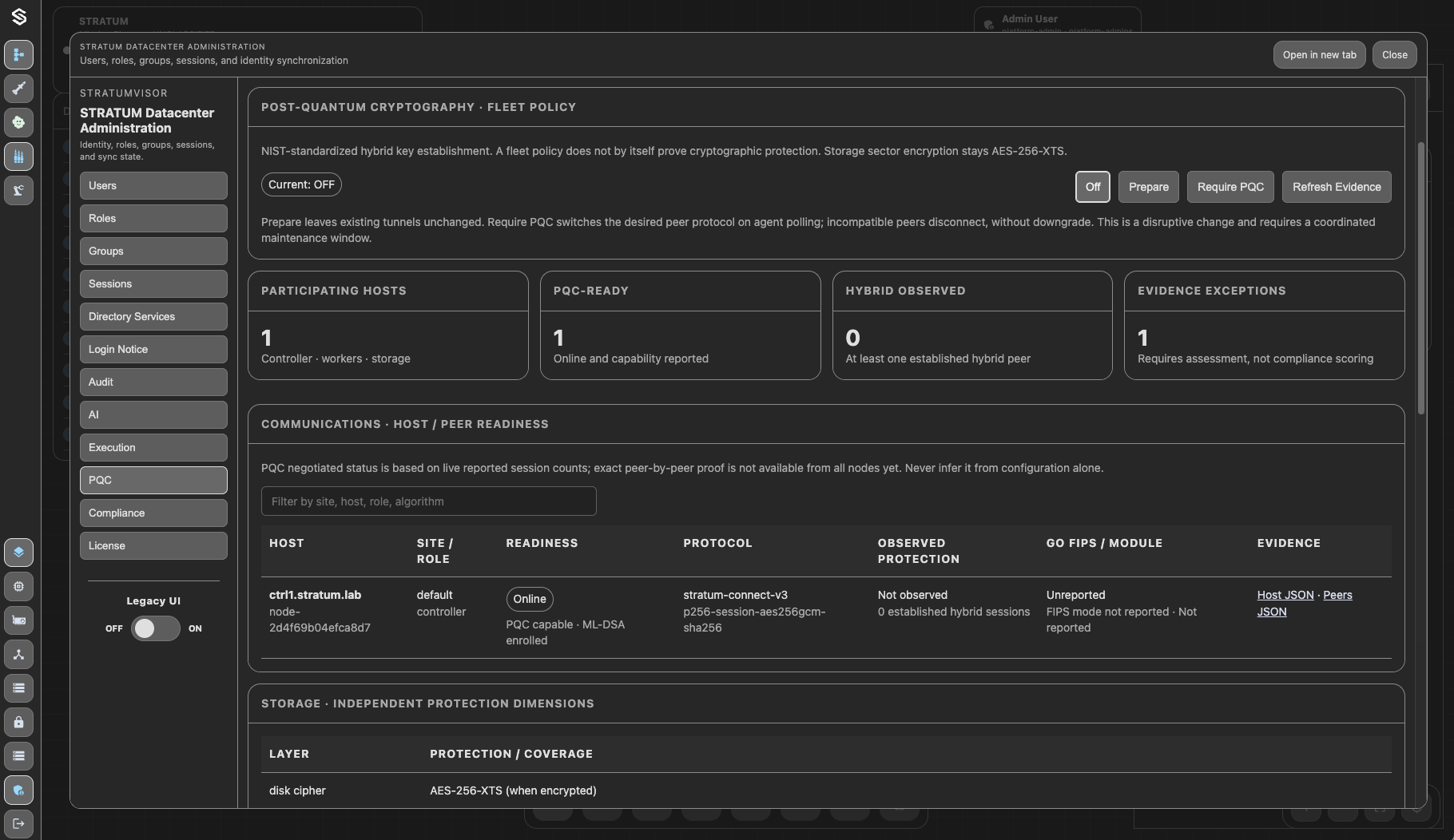
System Requirements
A 64-bit Linux host, container runtime, and hardware-assisted virtualization. Size for STRATUM and the guest workloads that will run alongside it.
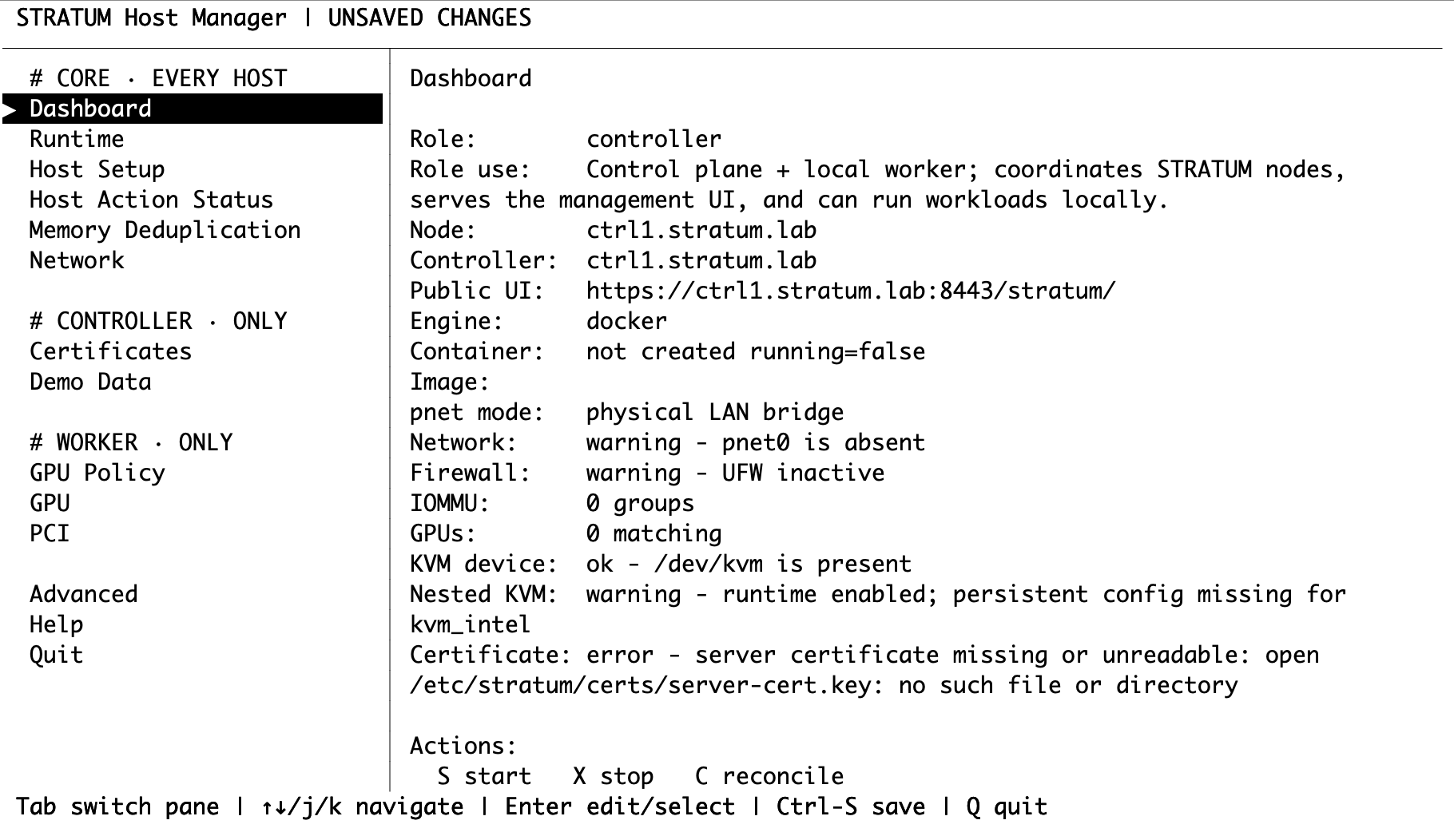
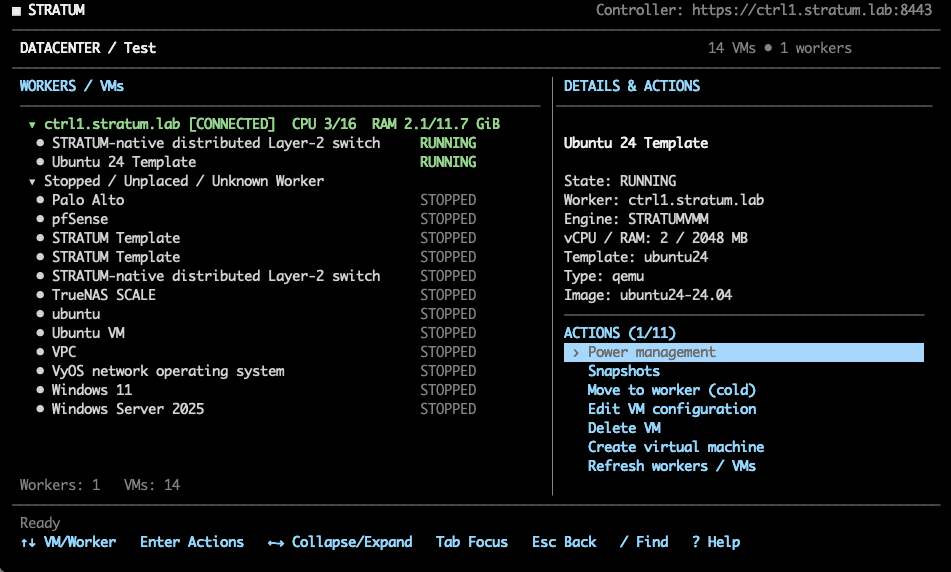
STRATUM Host (TUI & CLI)
Use stratum-host to configure, plan, verify, and operate the platform from a terminal. Review actions before applying changes.
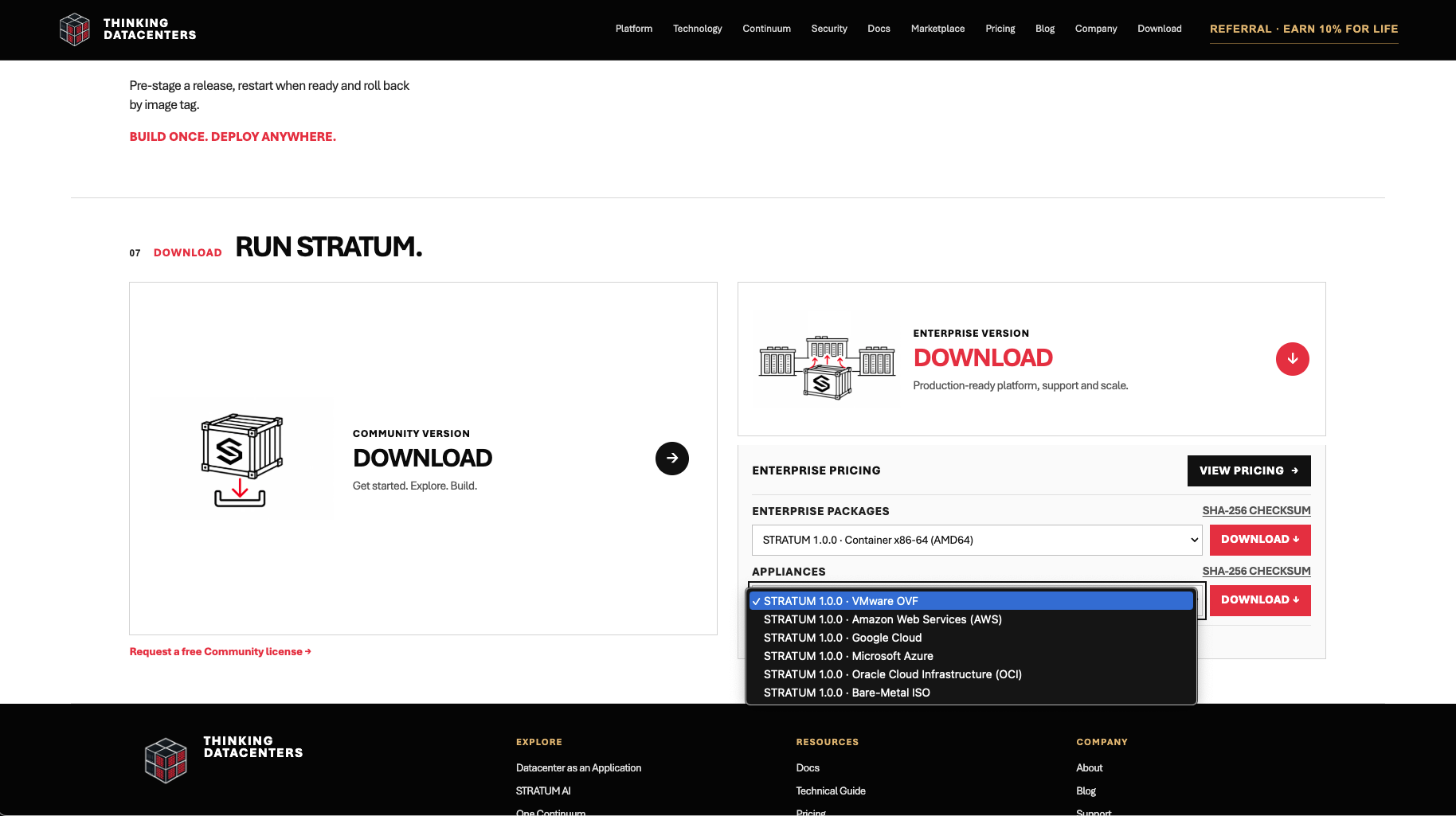
Optional Appliance Deployment
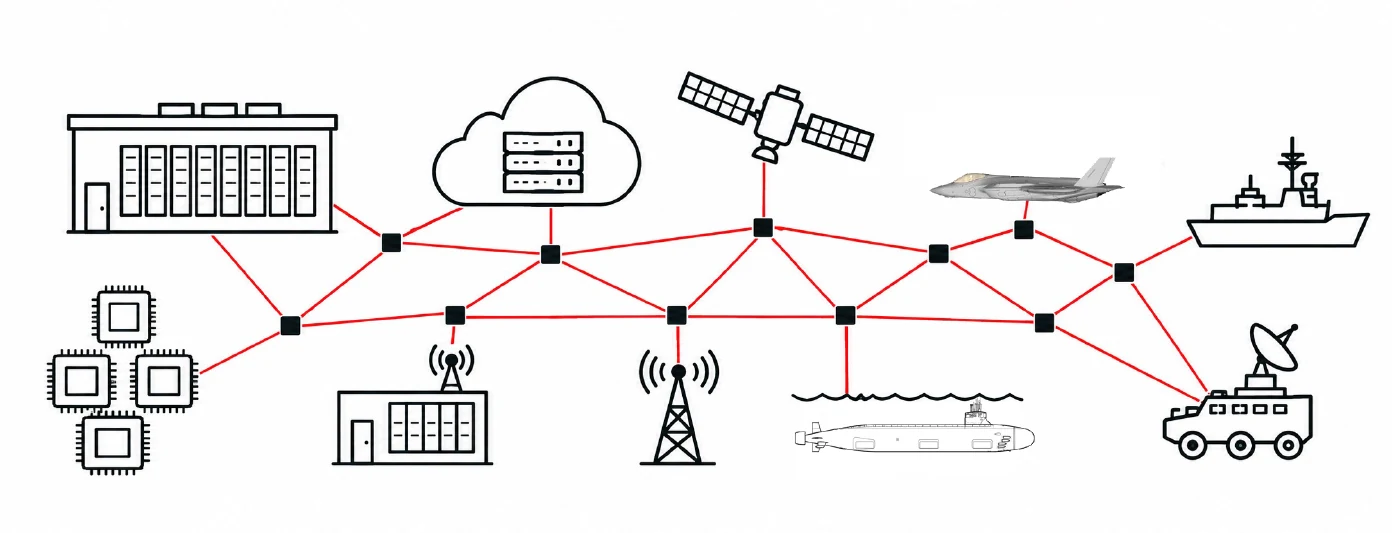
Deploy STRATUM on a dedicated appliance-style Linux host or as an infrastructure container on an existing compatible host.
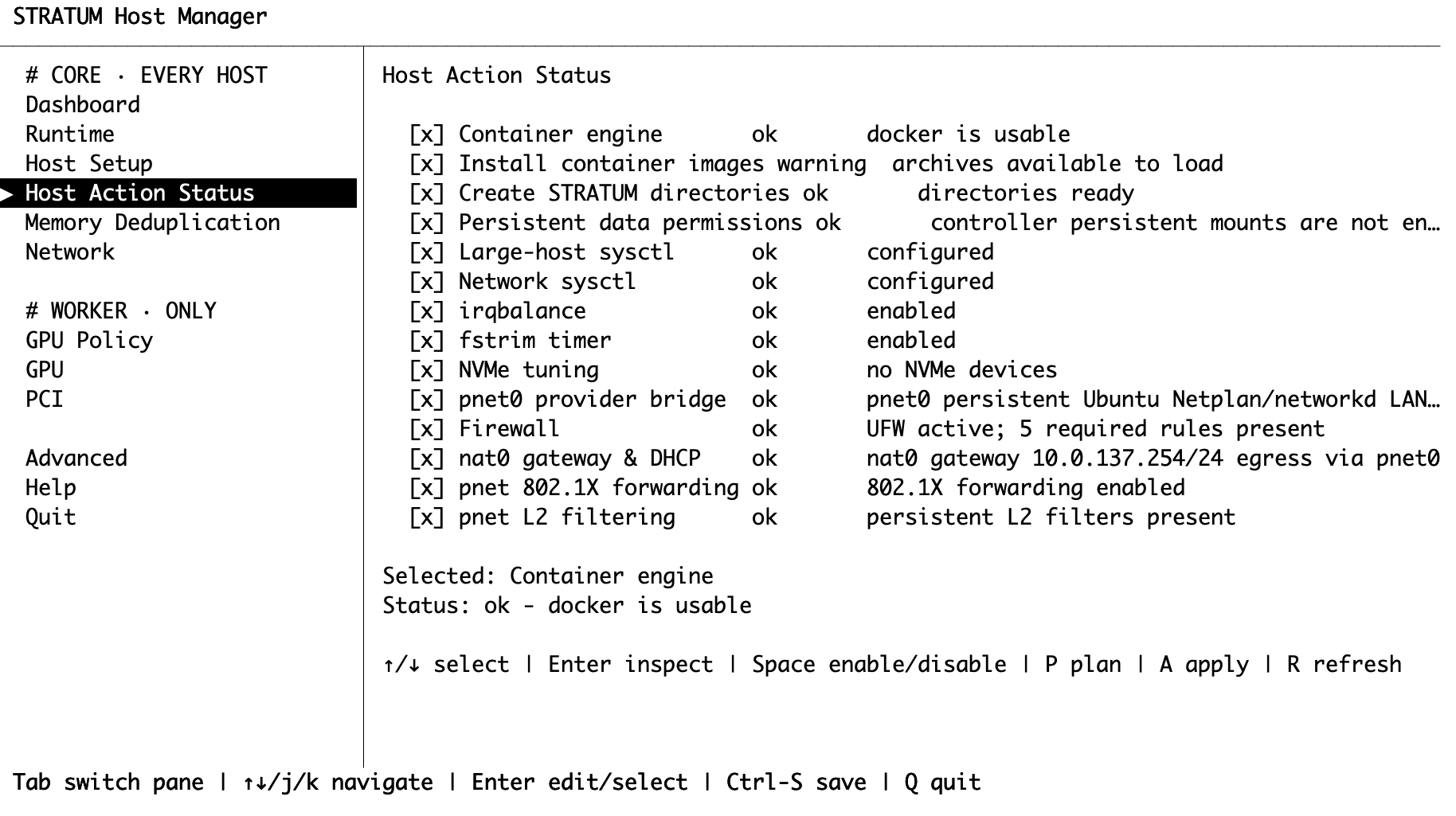
Setup Host
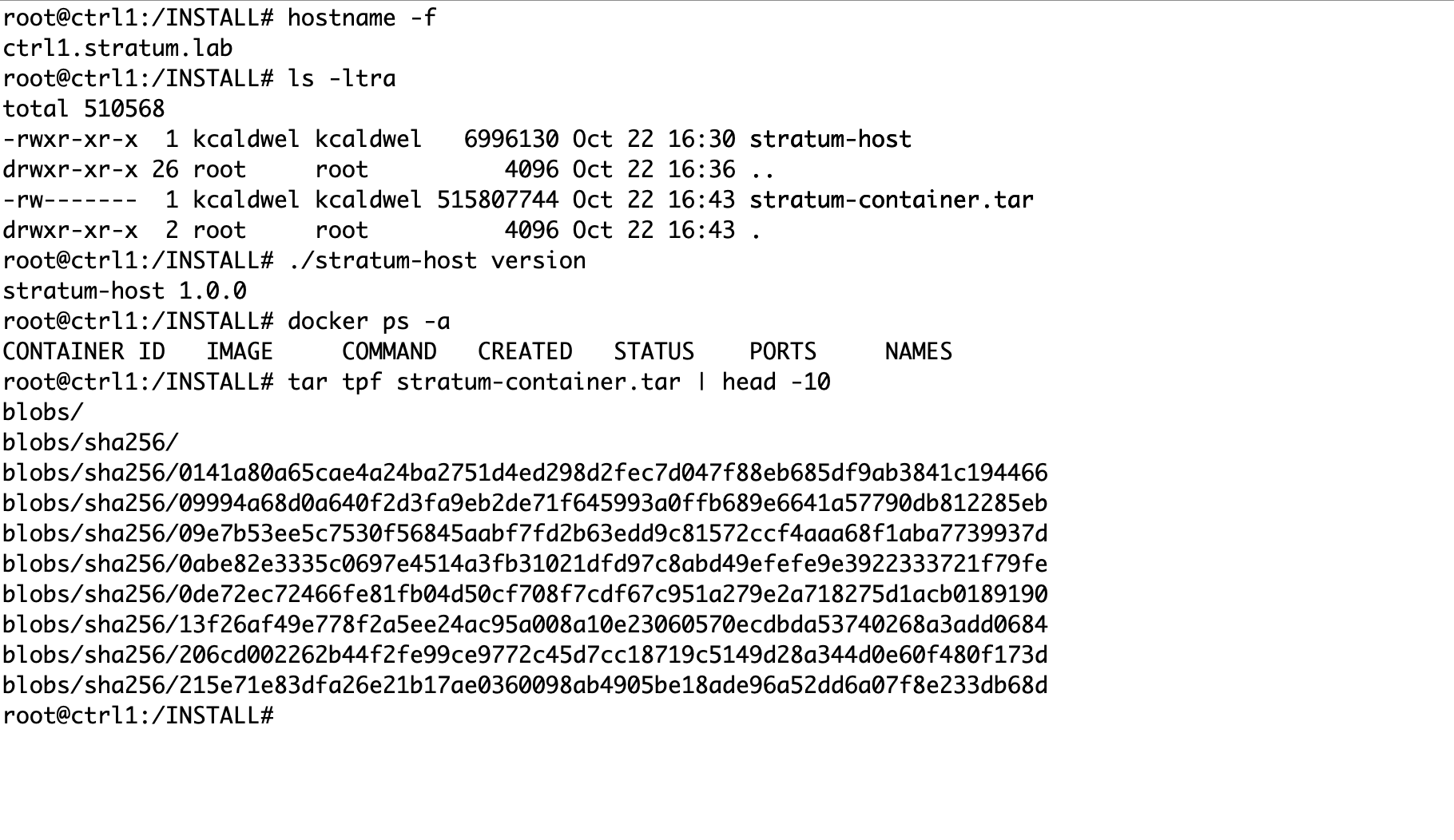
Prepare the Linux host, hostname, networking, certificates, and role-specific settings with stratum-host.
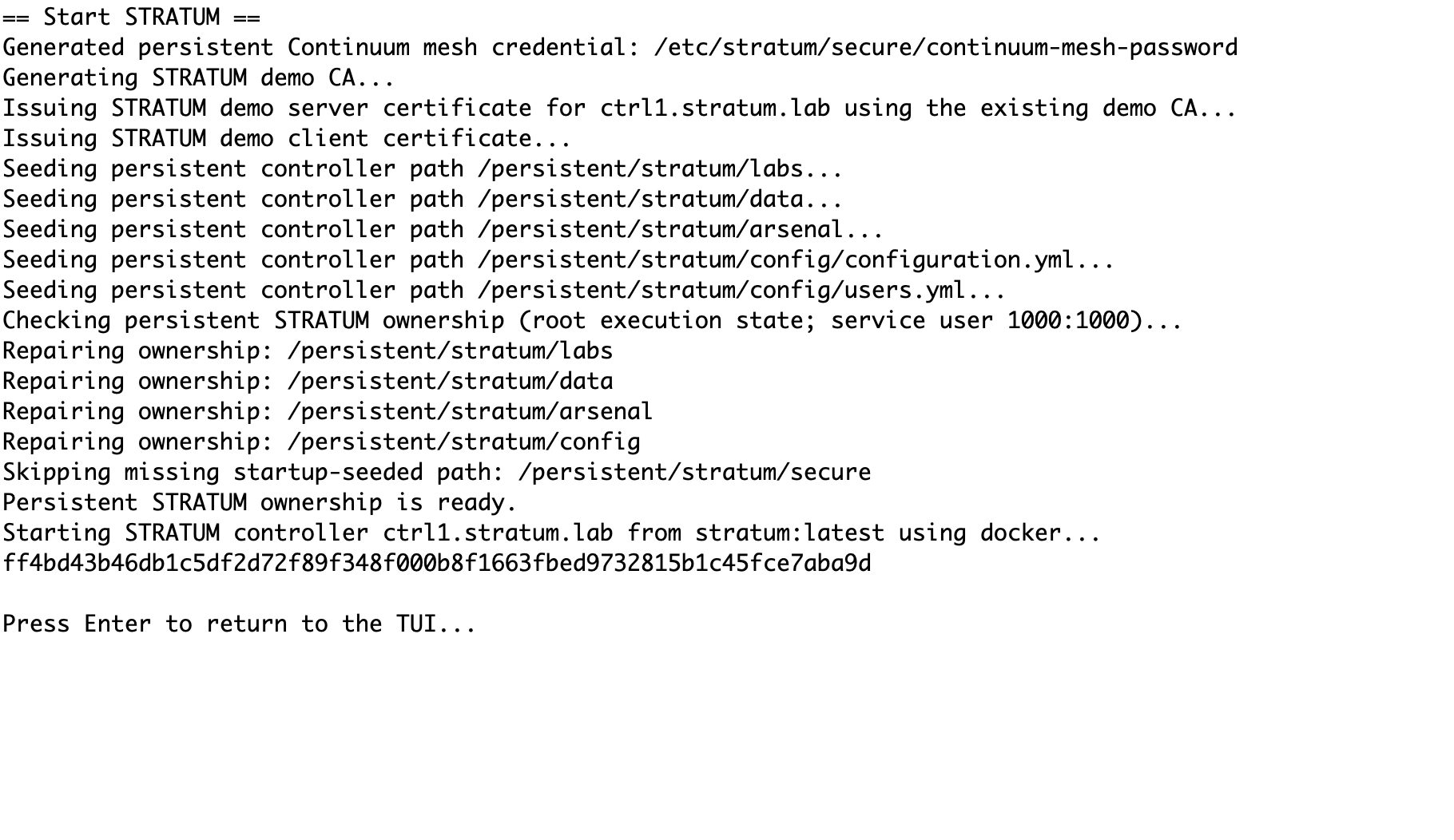
Deploy Container
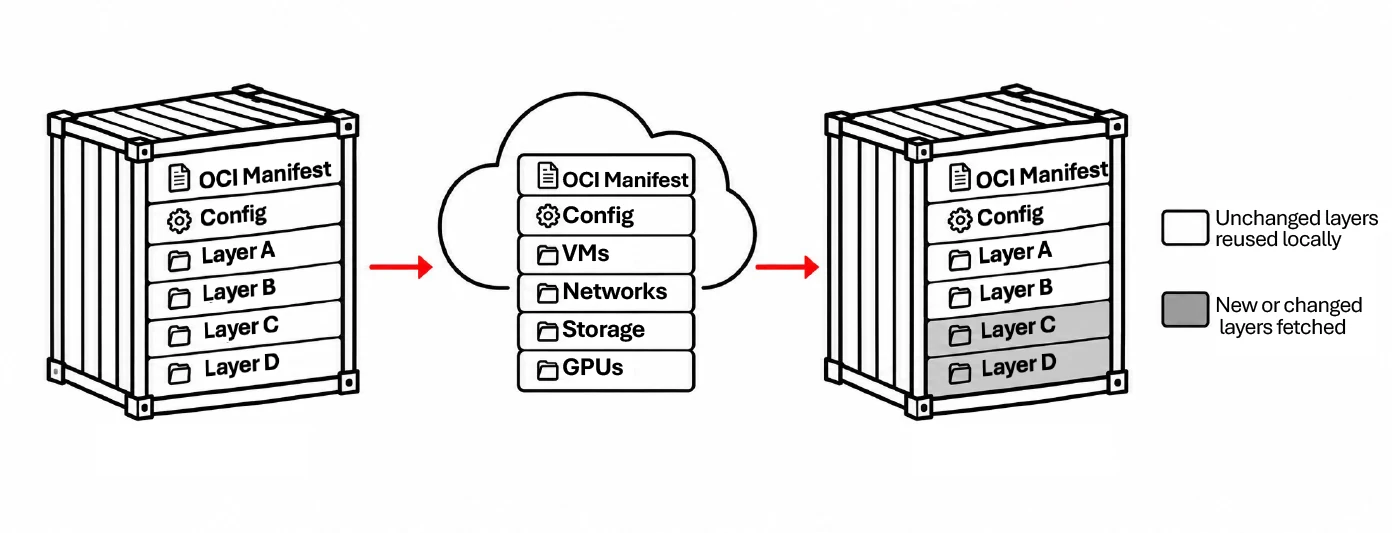
Load or pull the STRATUM OCI image using Docker or Podman and keep durable state outside the replaceable application image.
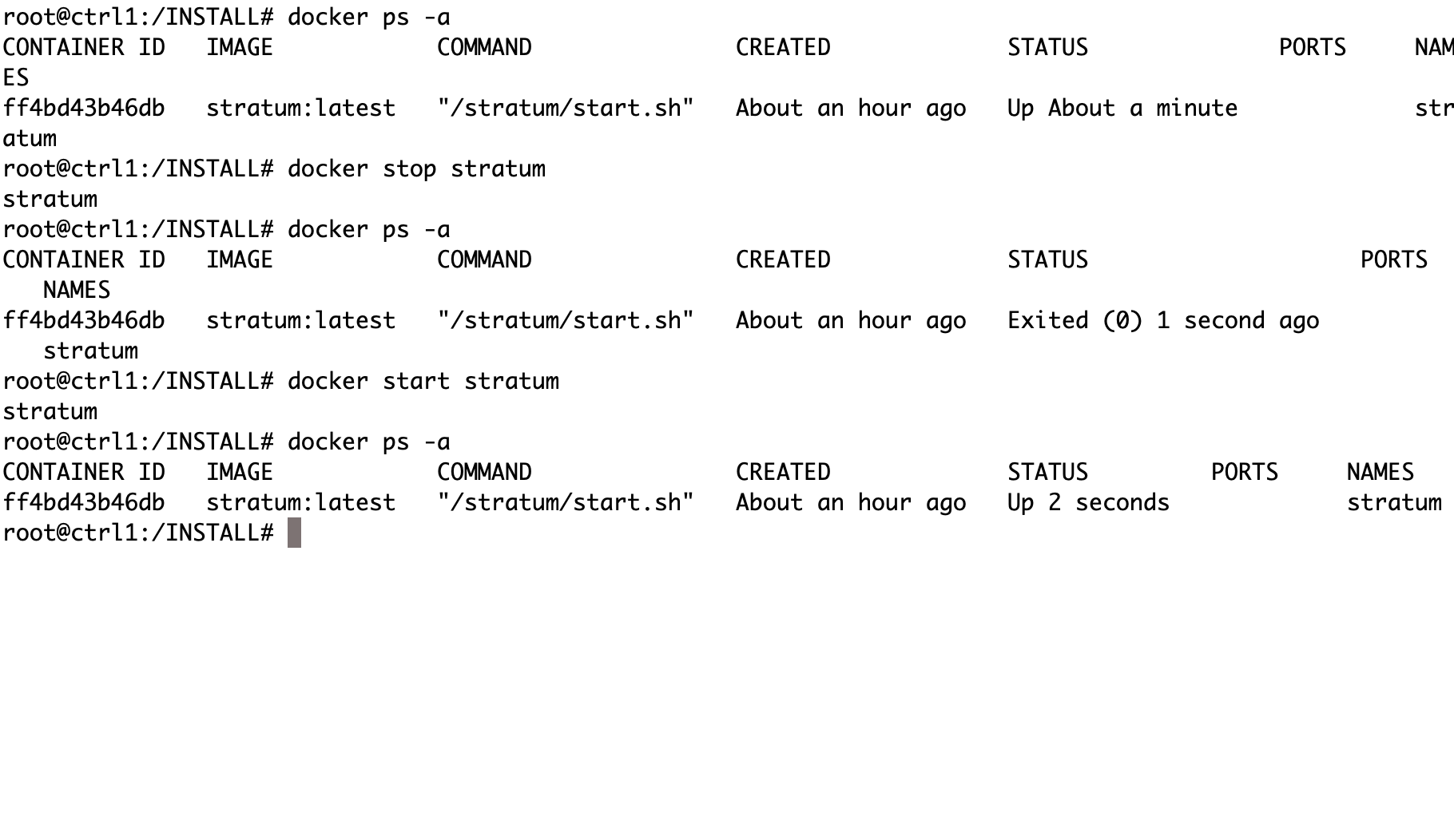
Start STRATUM
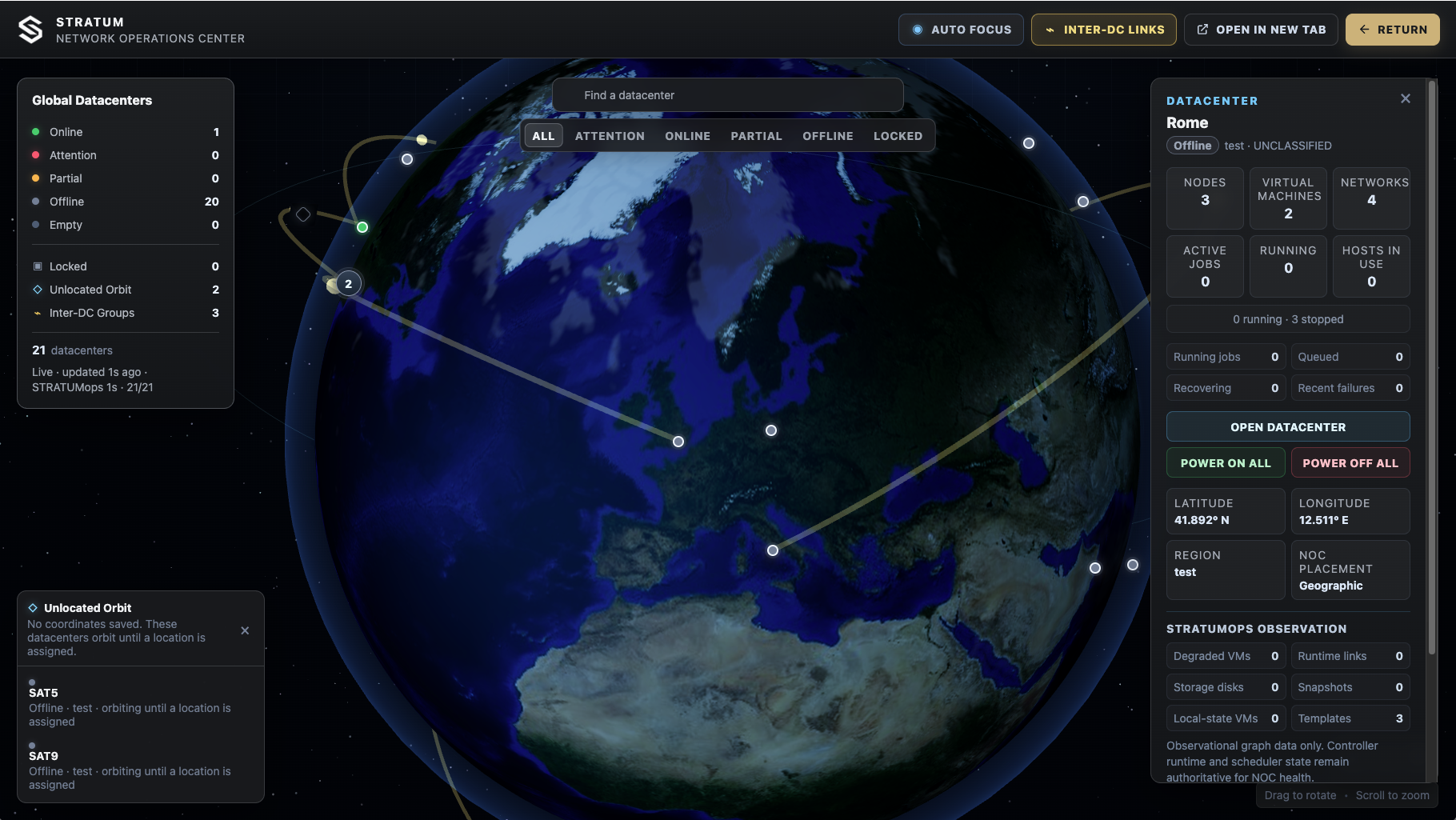
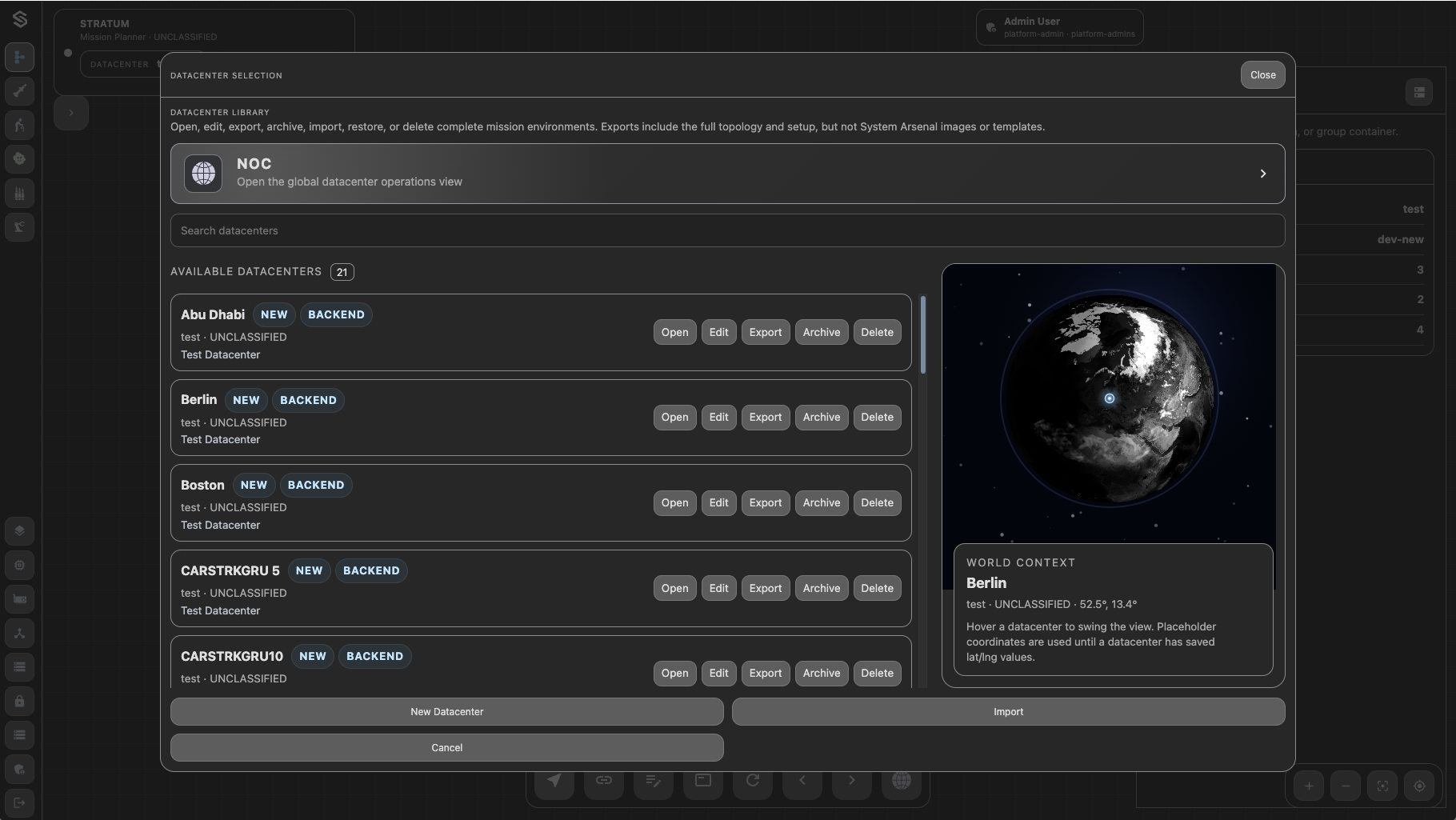
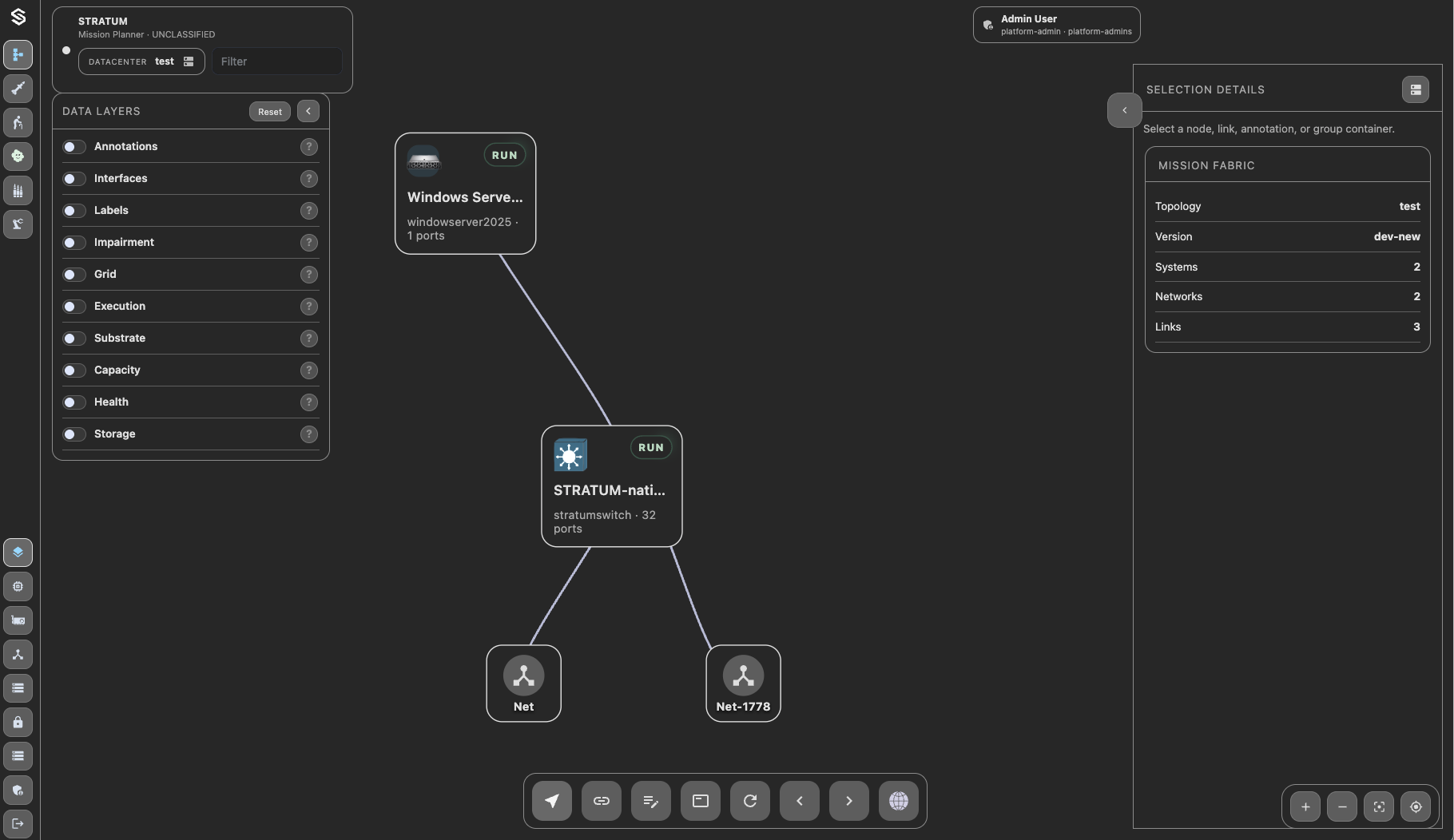
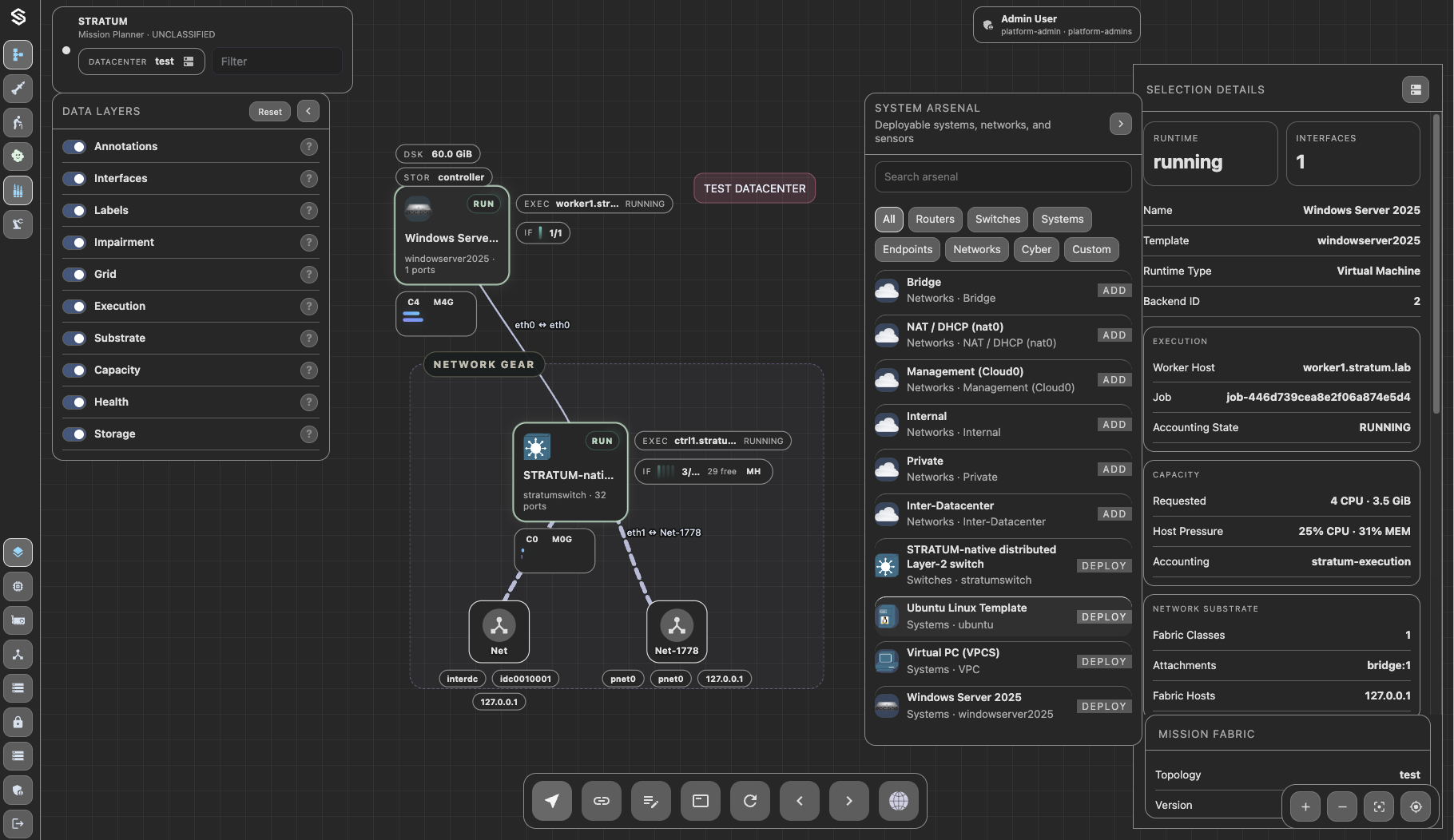
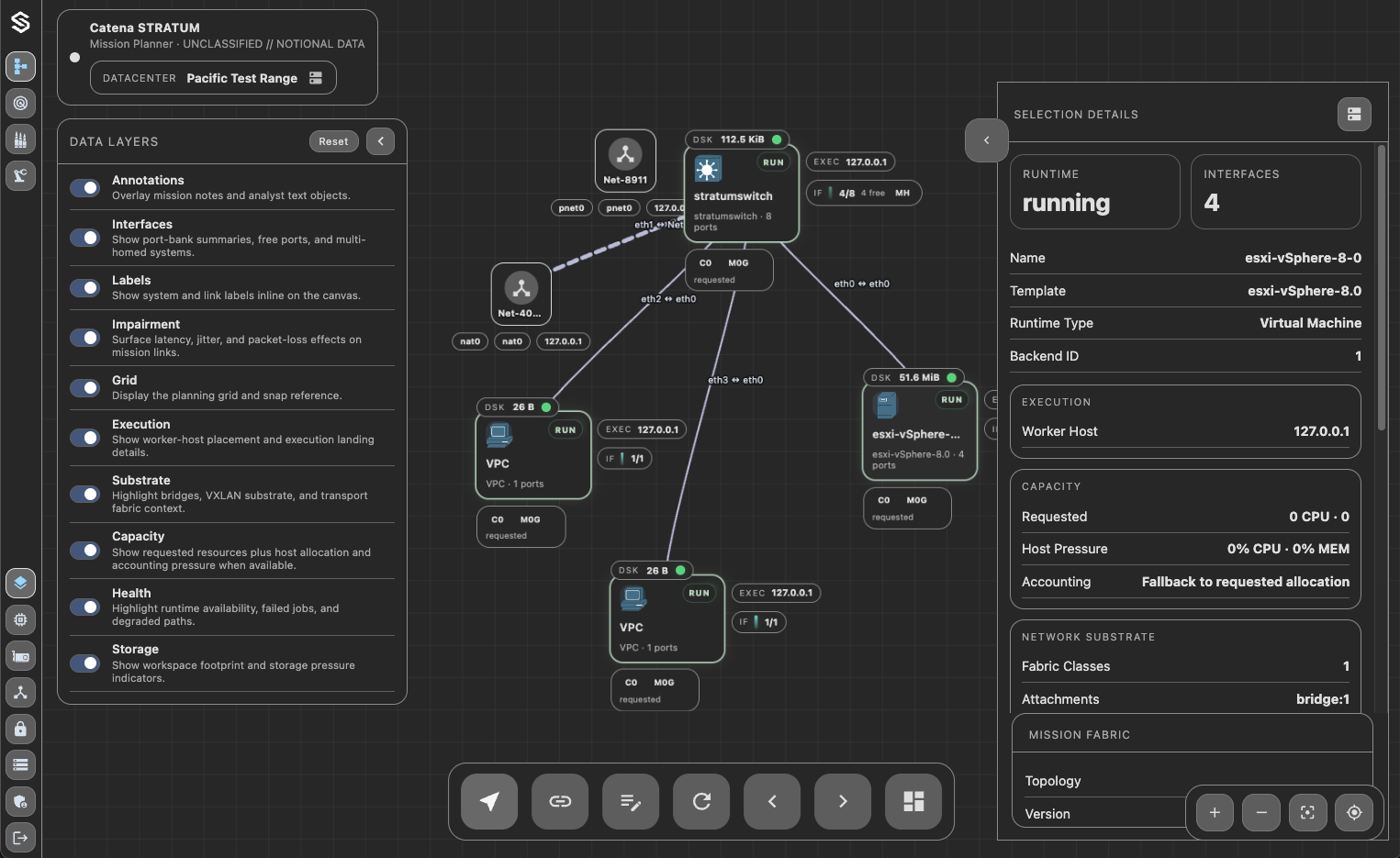
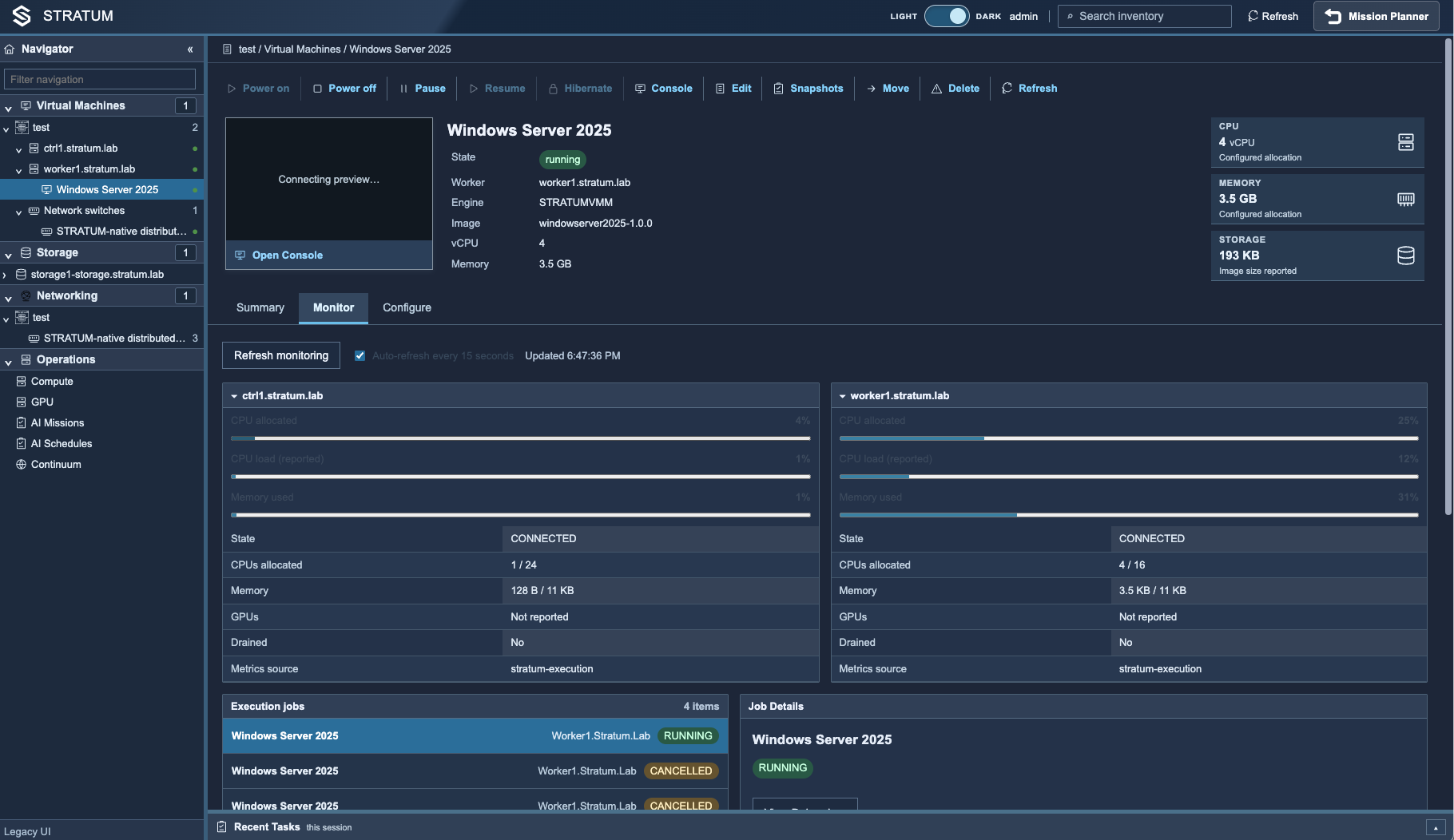
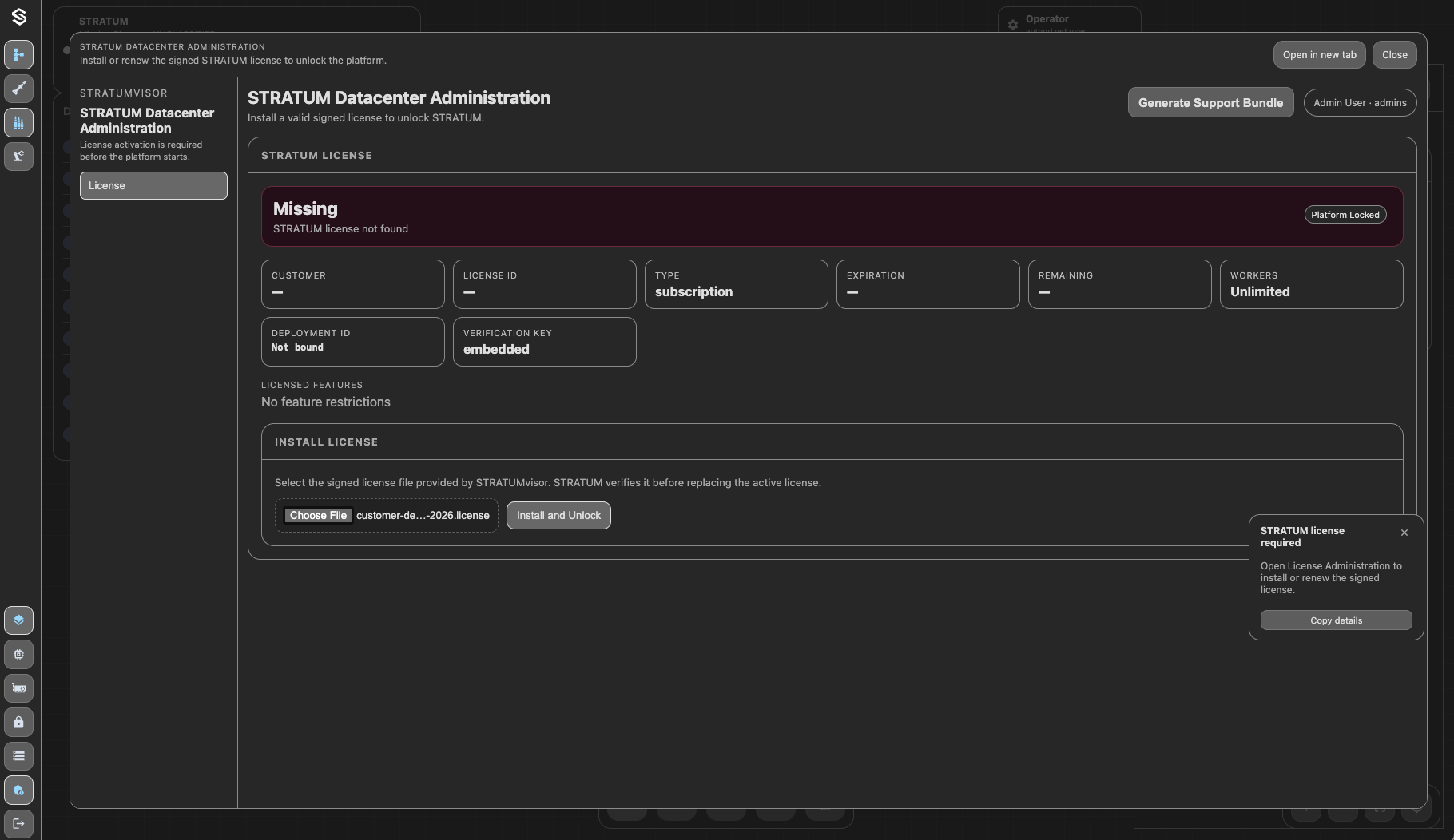
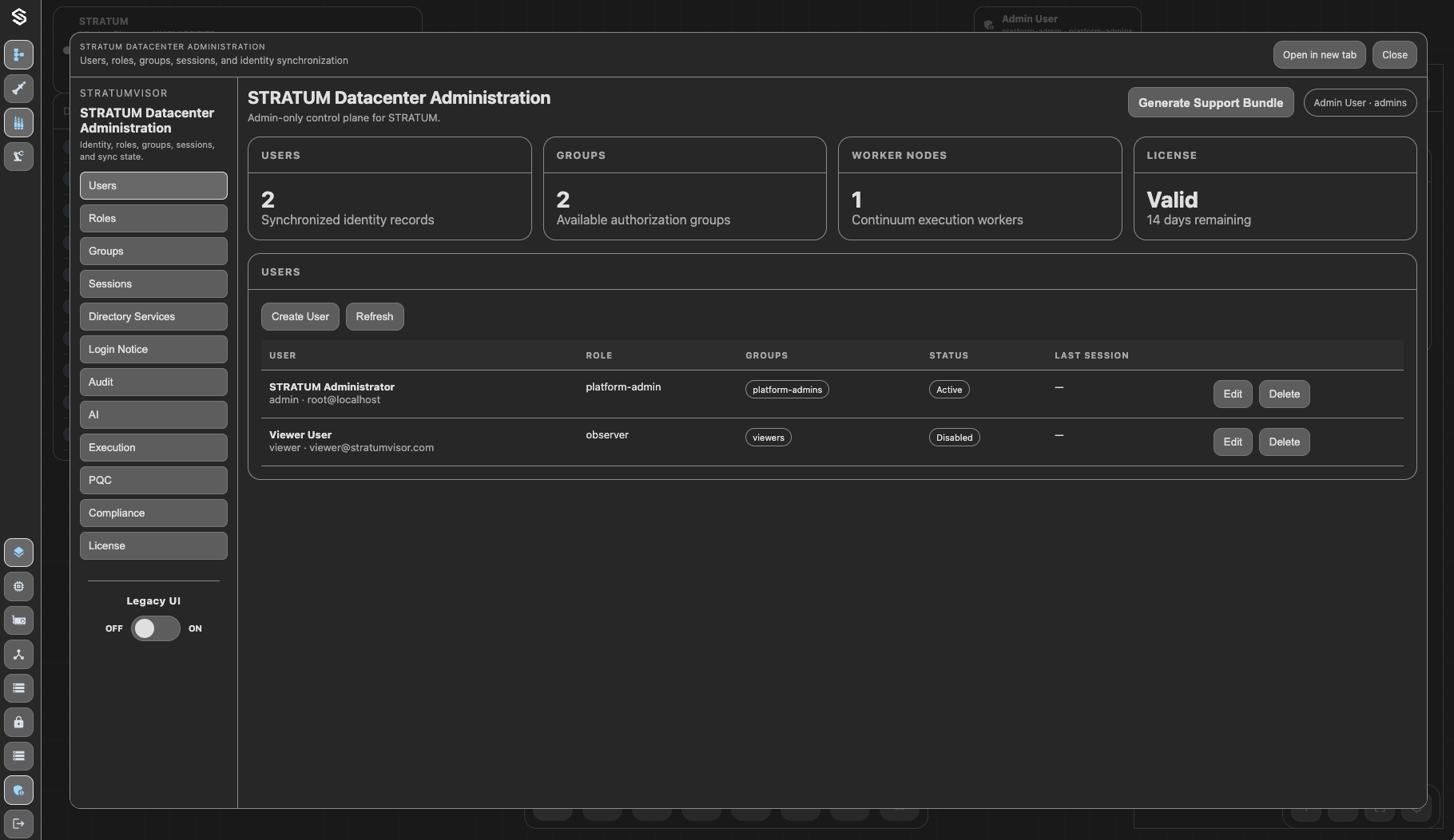
Start the controller, validate status, and open the configured HTTPS endpoint (default is port 8443) to begin building the datacenter.
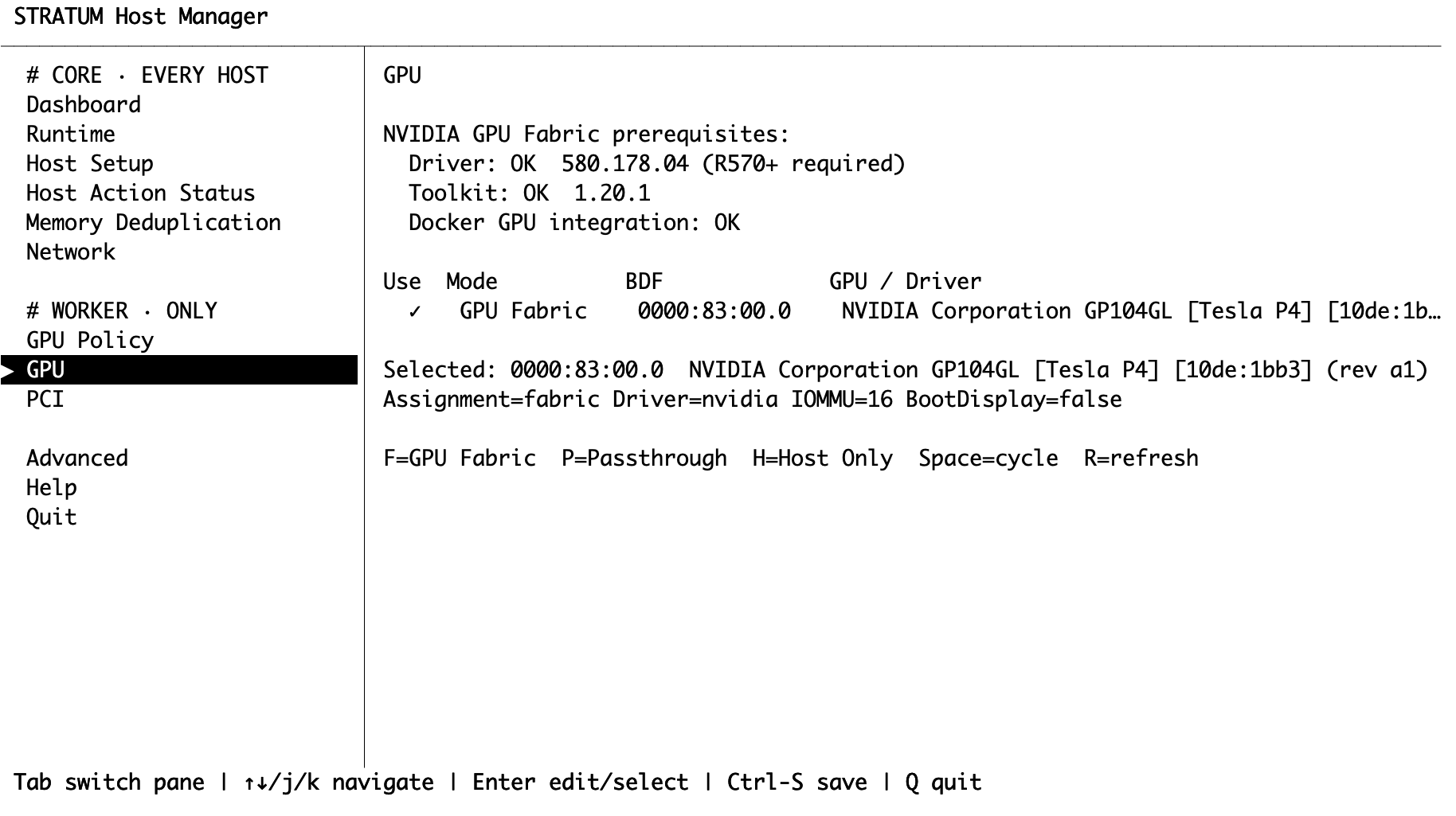
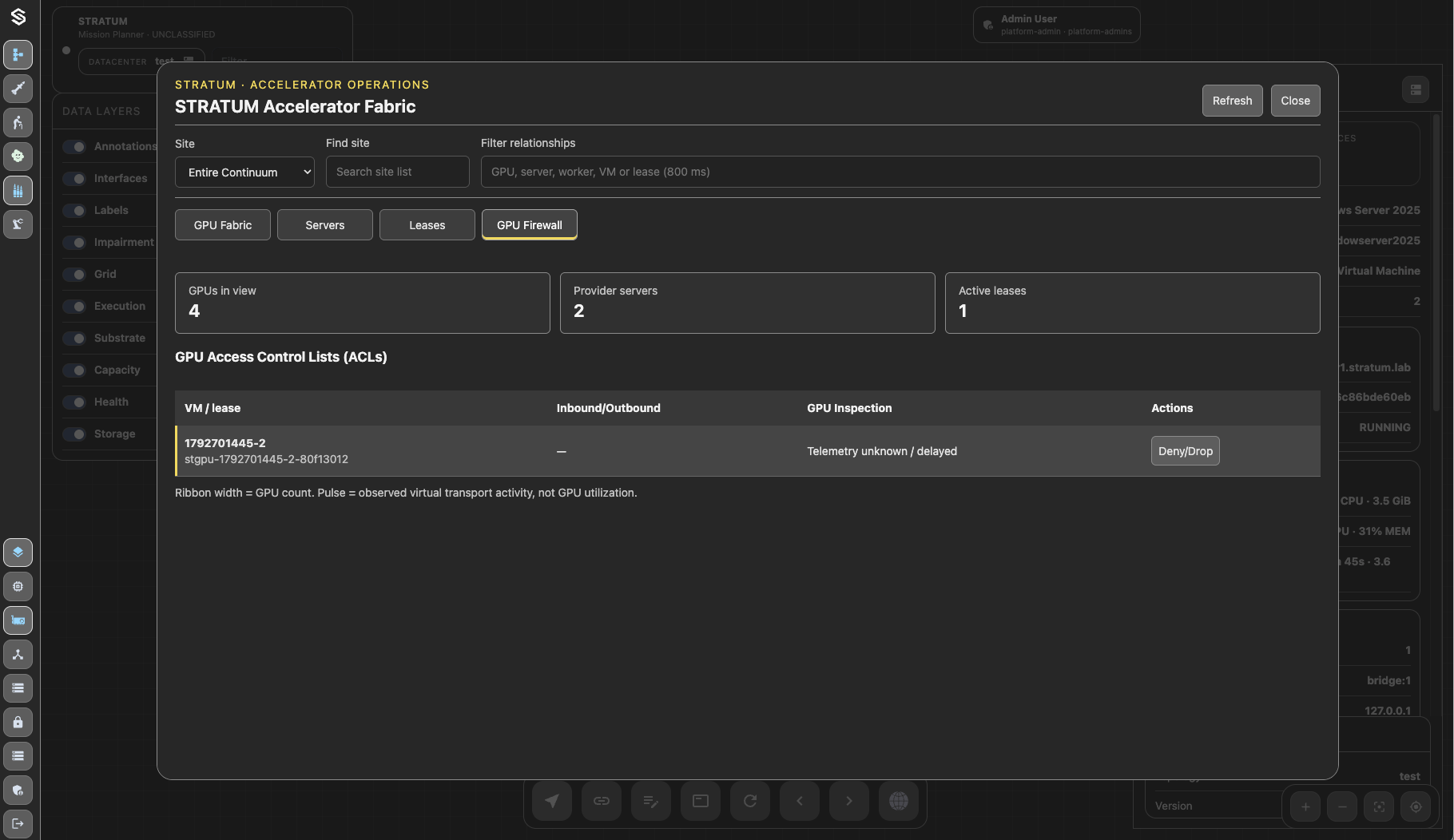
Setup GPU
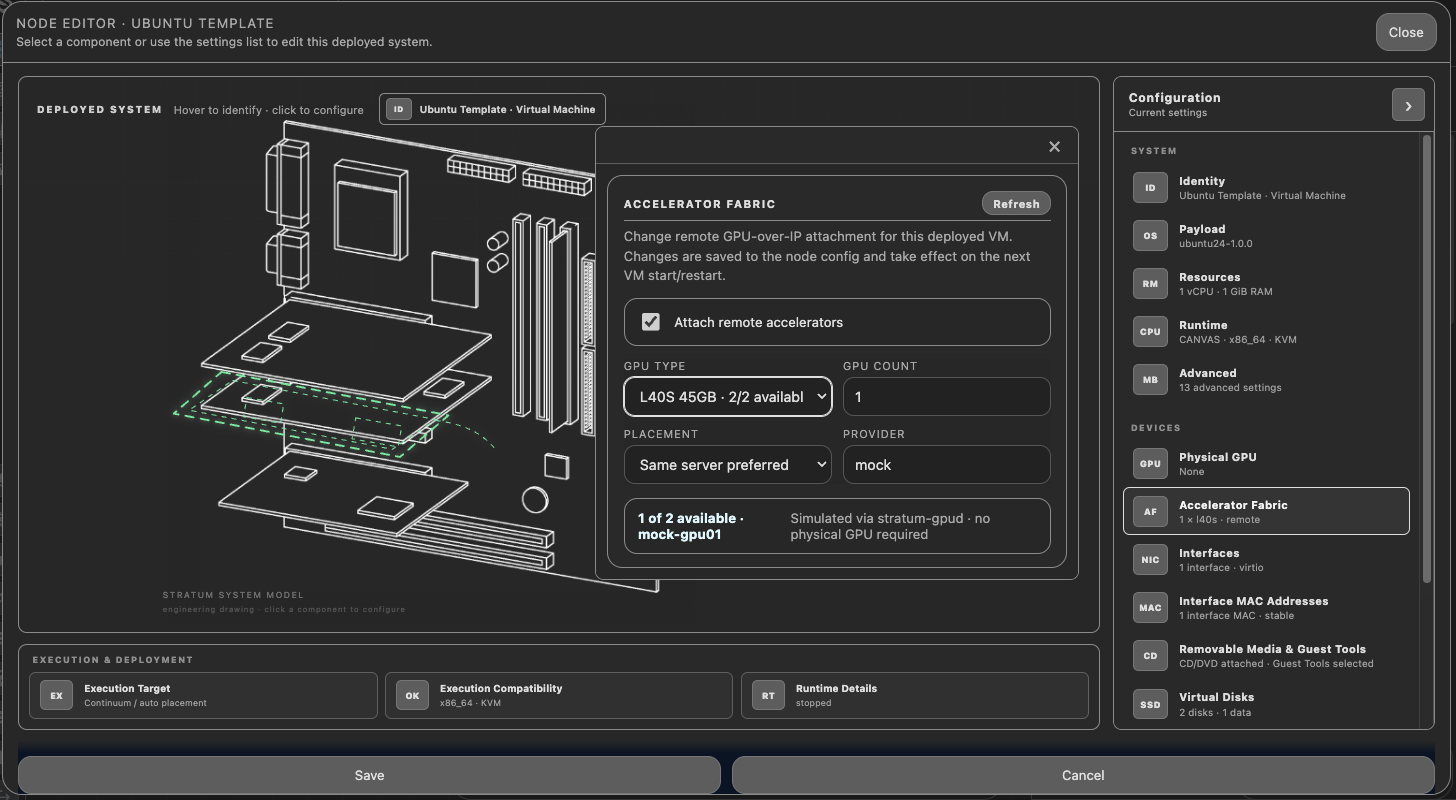
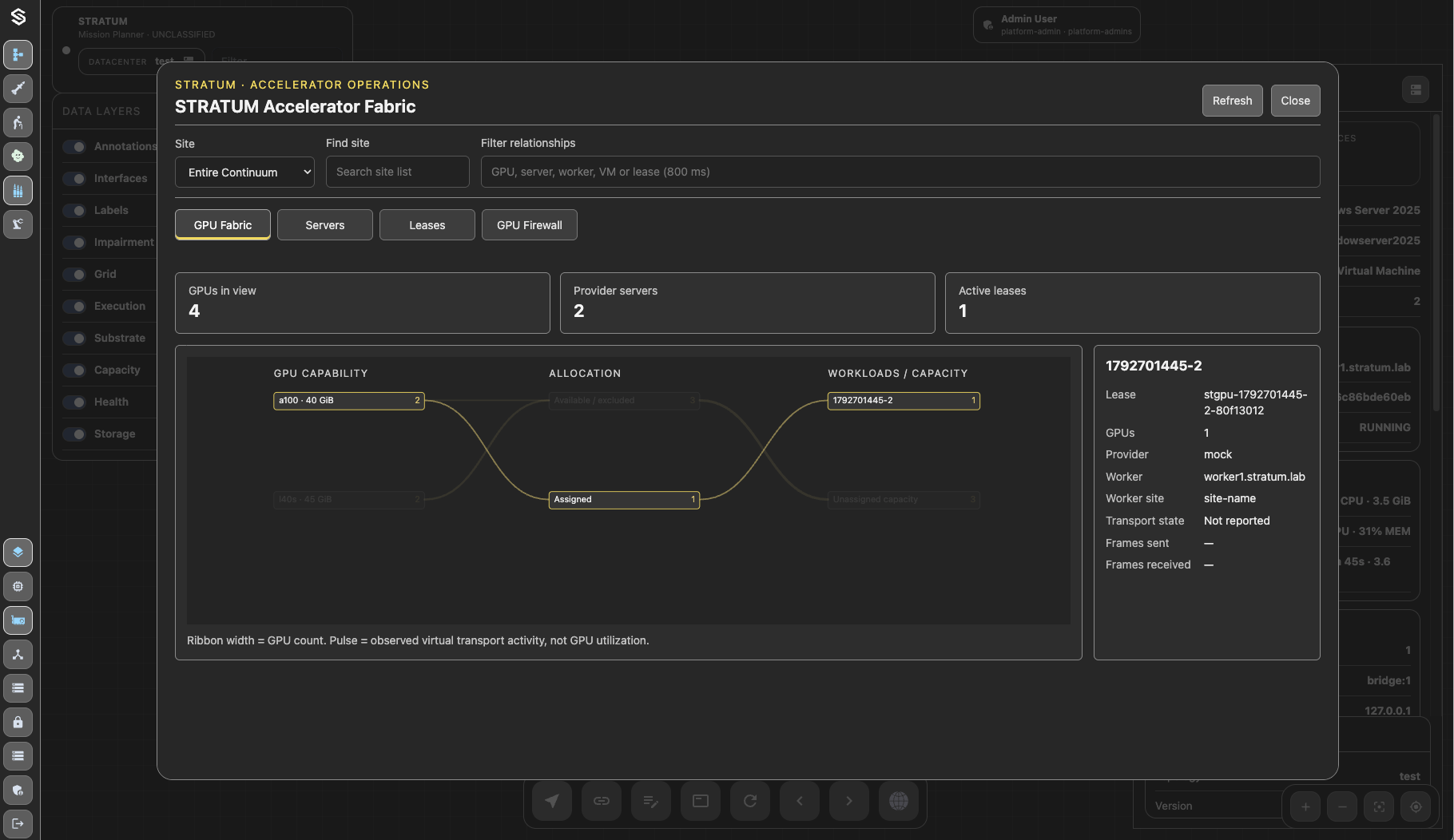
Run stratum-host TUI or CLI, configure host GPUs to be shared in the STRATUM GPU Fabric or as passthrough to local VMs.
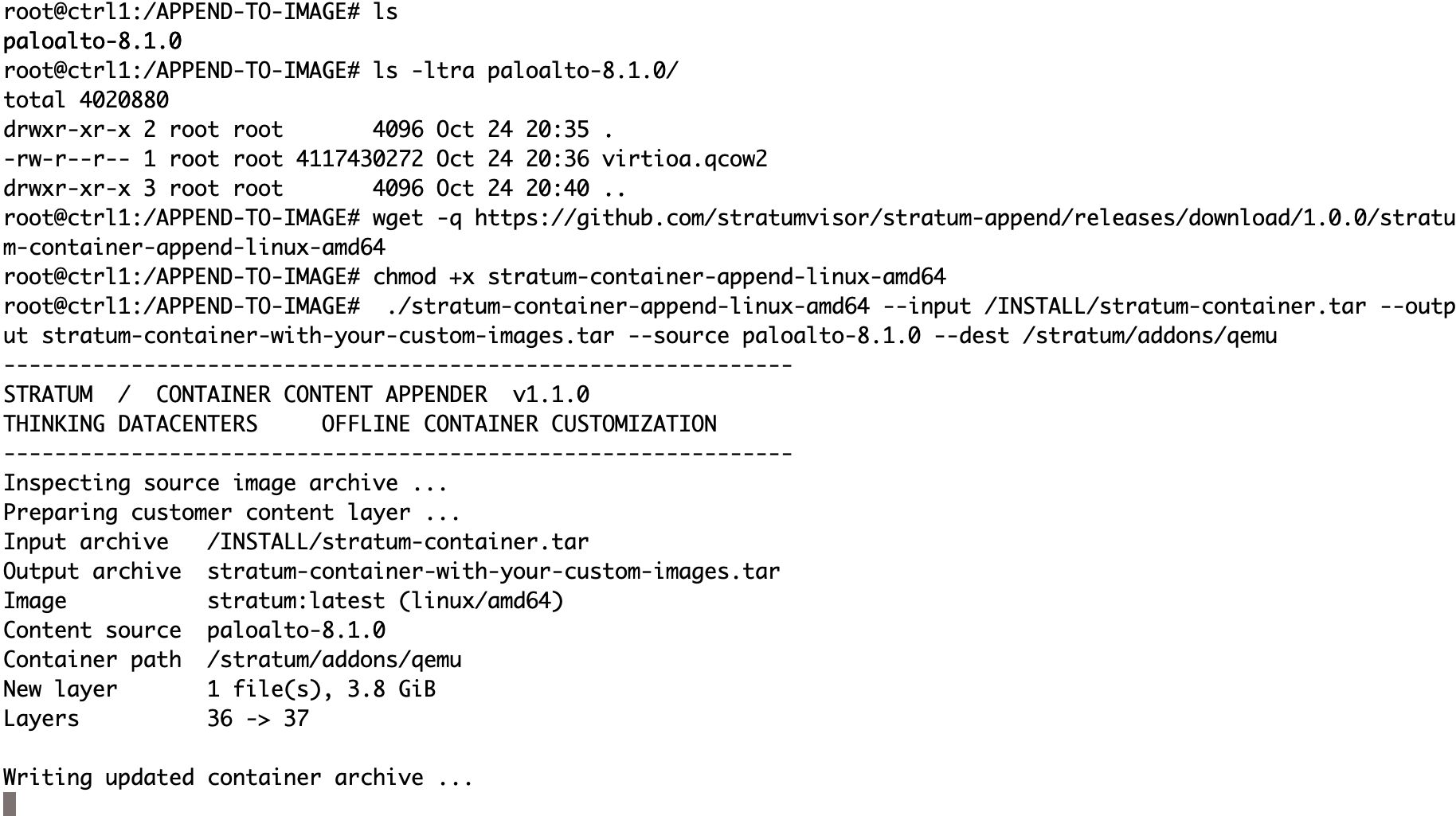
Append Custom VMs
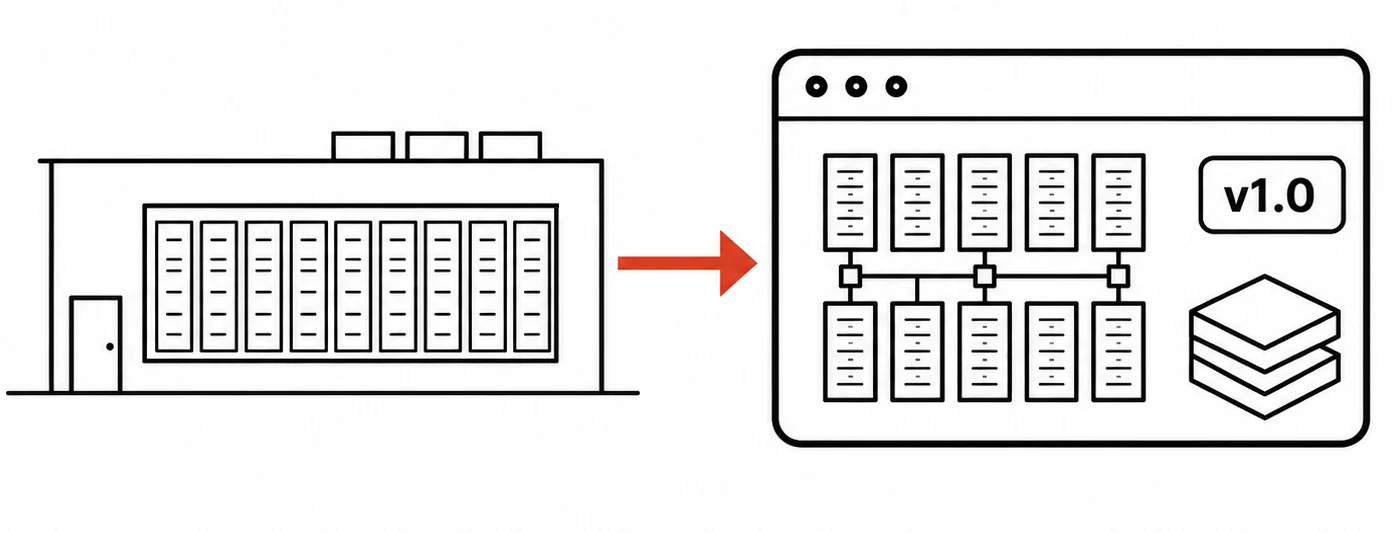
Append custom VMs into the STRATUM container or delivery and deployment. Add your preinstalled VMs to the container and distribute pre-installed datacenters to the fleet.
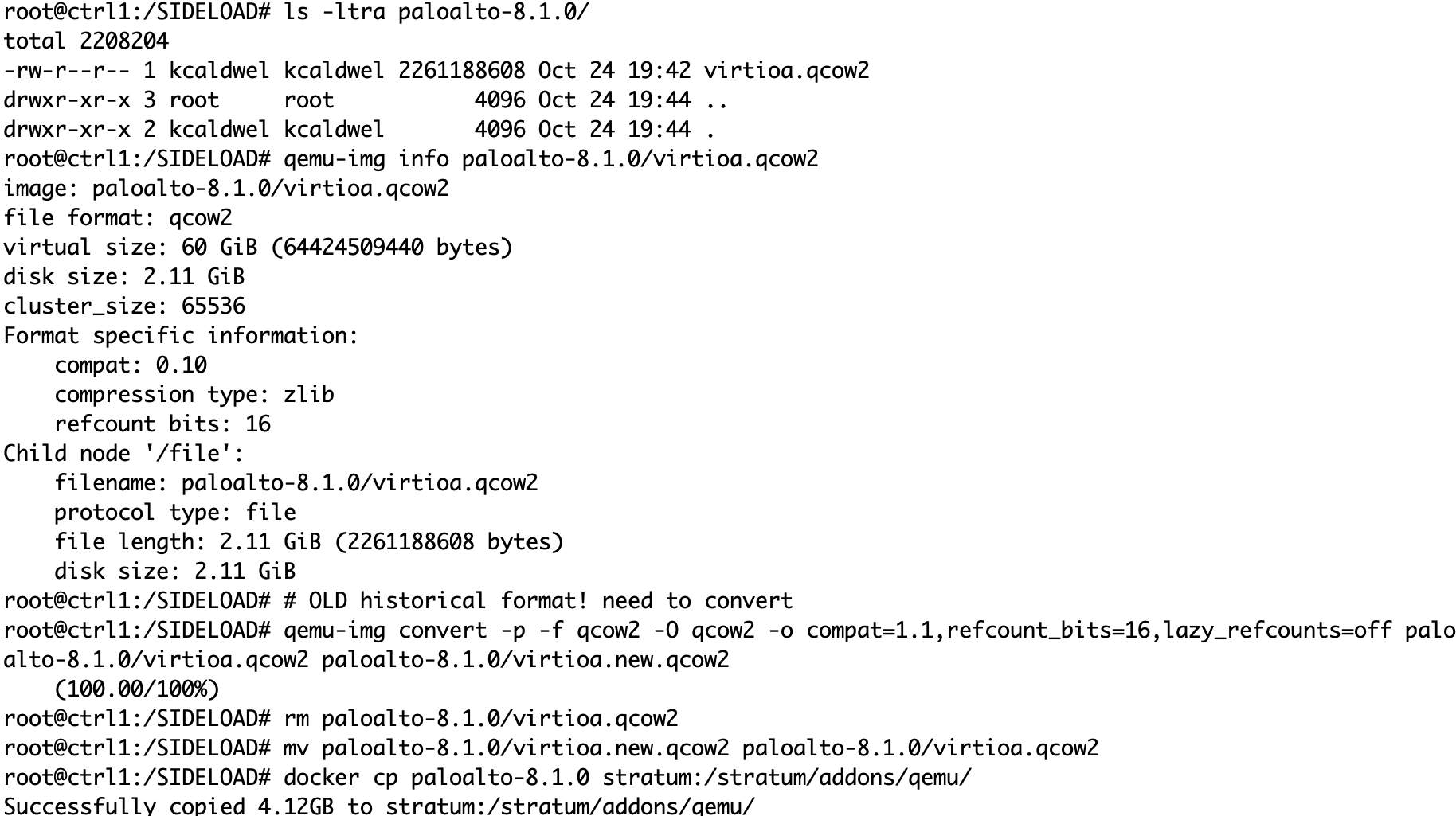
Sideload VMs
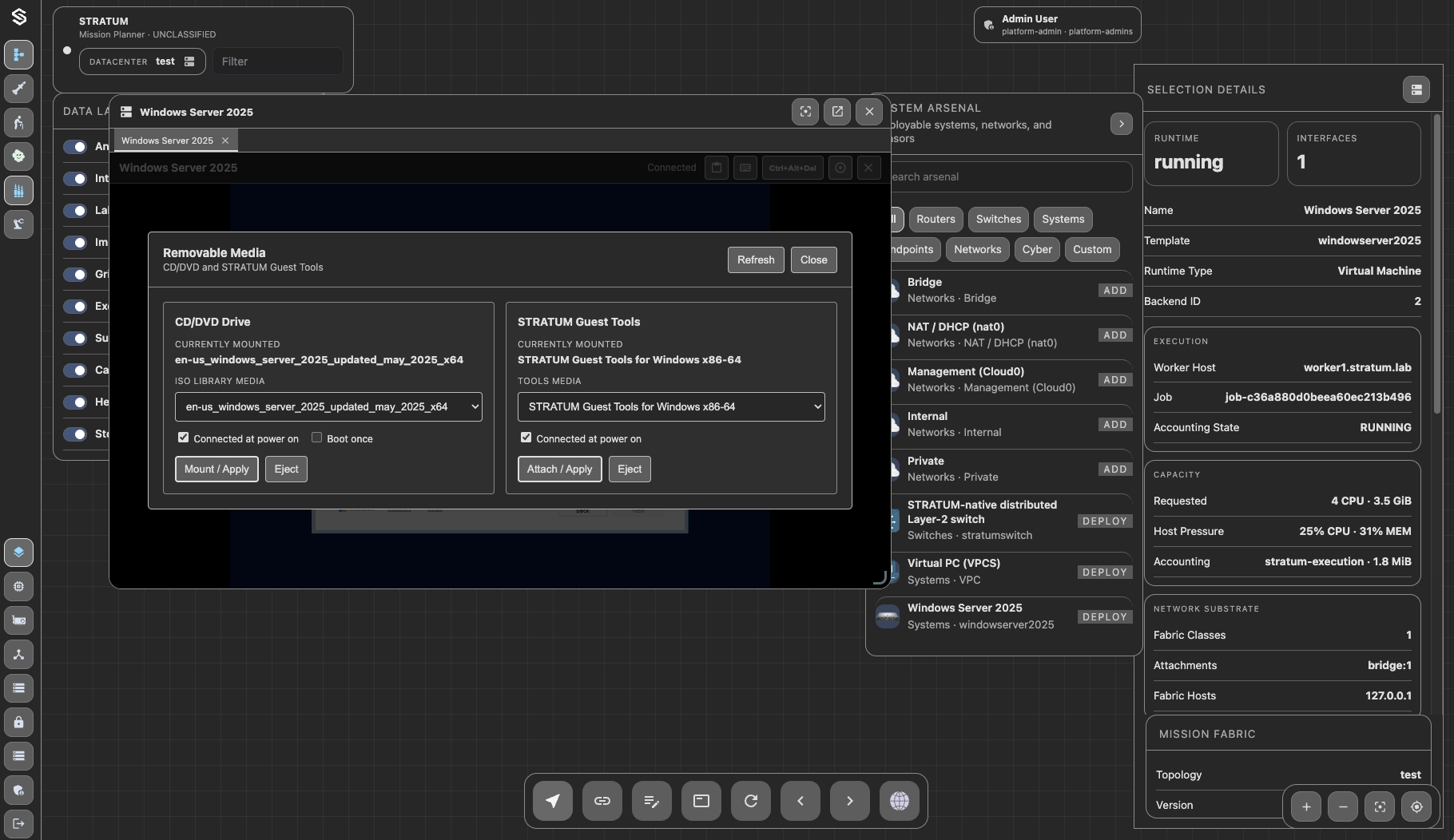
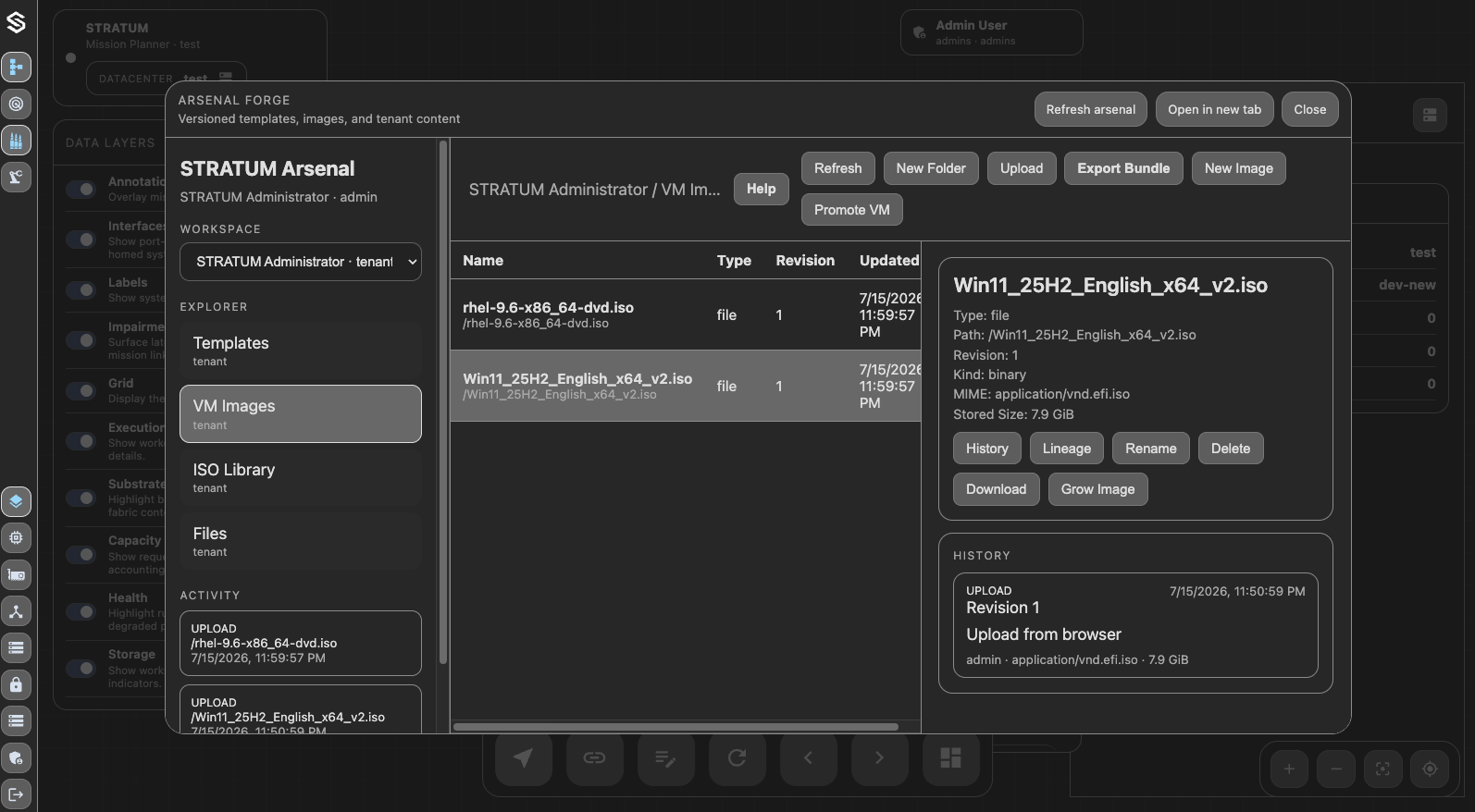
Inject custom VM images into STRATUM without going through Arsenal or templates. This is unsupported but is available or legacy VMs and network device images.
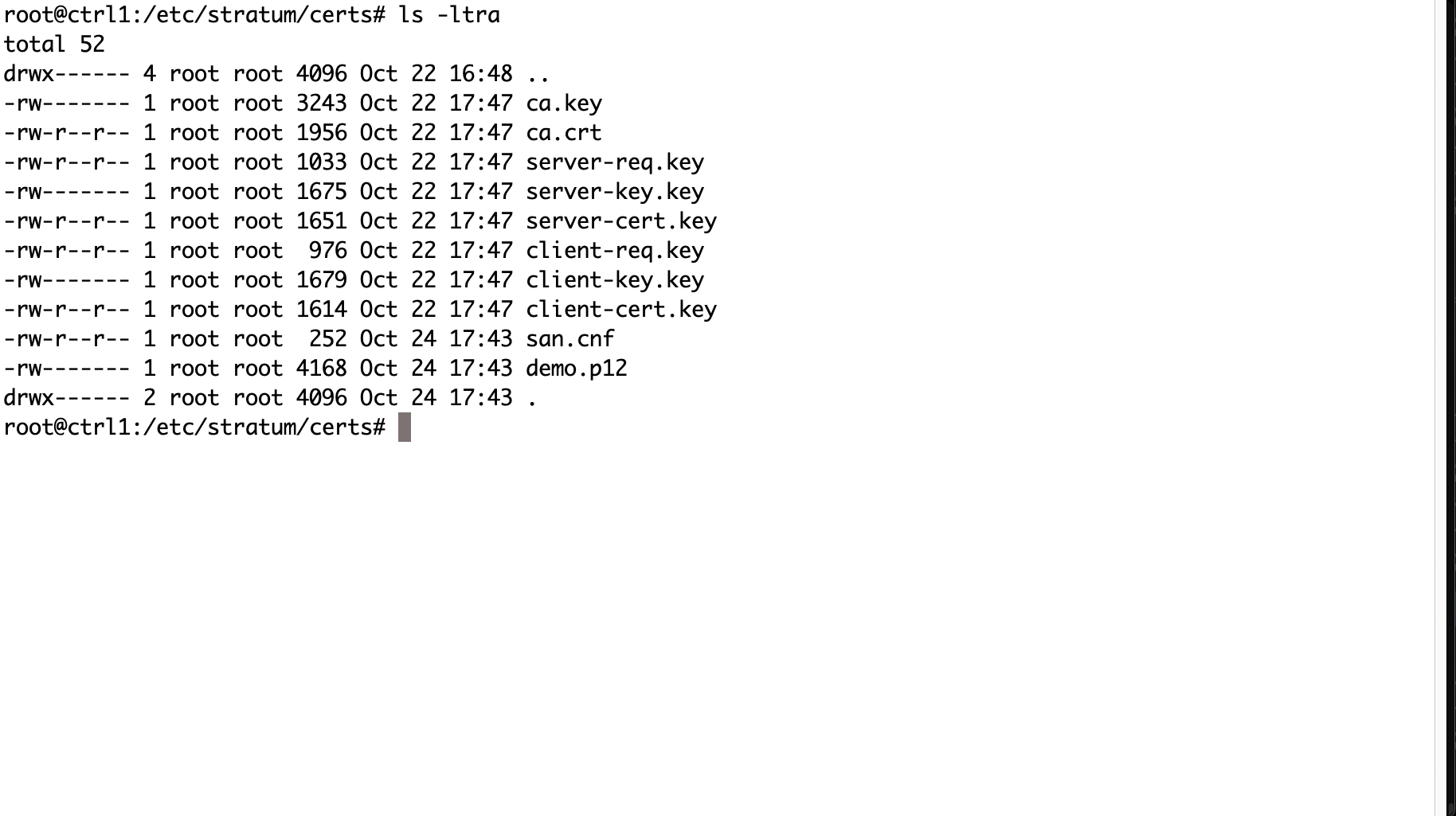
TLS Certificates
Change and update TLS certificates at /etc/stratum/certs.
Append Custom VMs
Append custom VMs into the STRATUM container or delivery and deployment. Add your preinstalled VMs to the container and distribute pre-installed datacenters to the fleet.
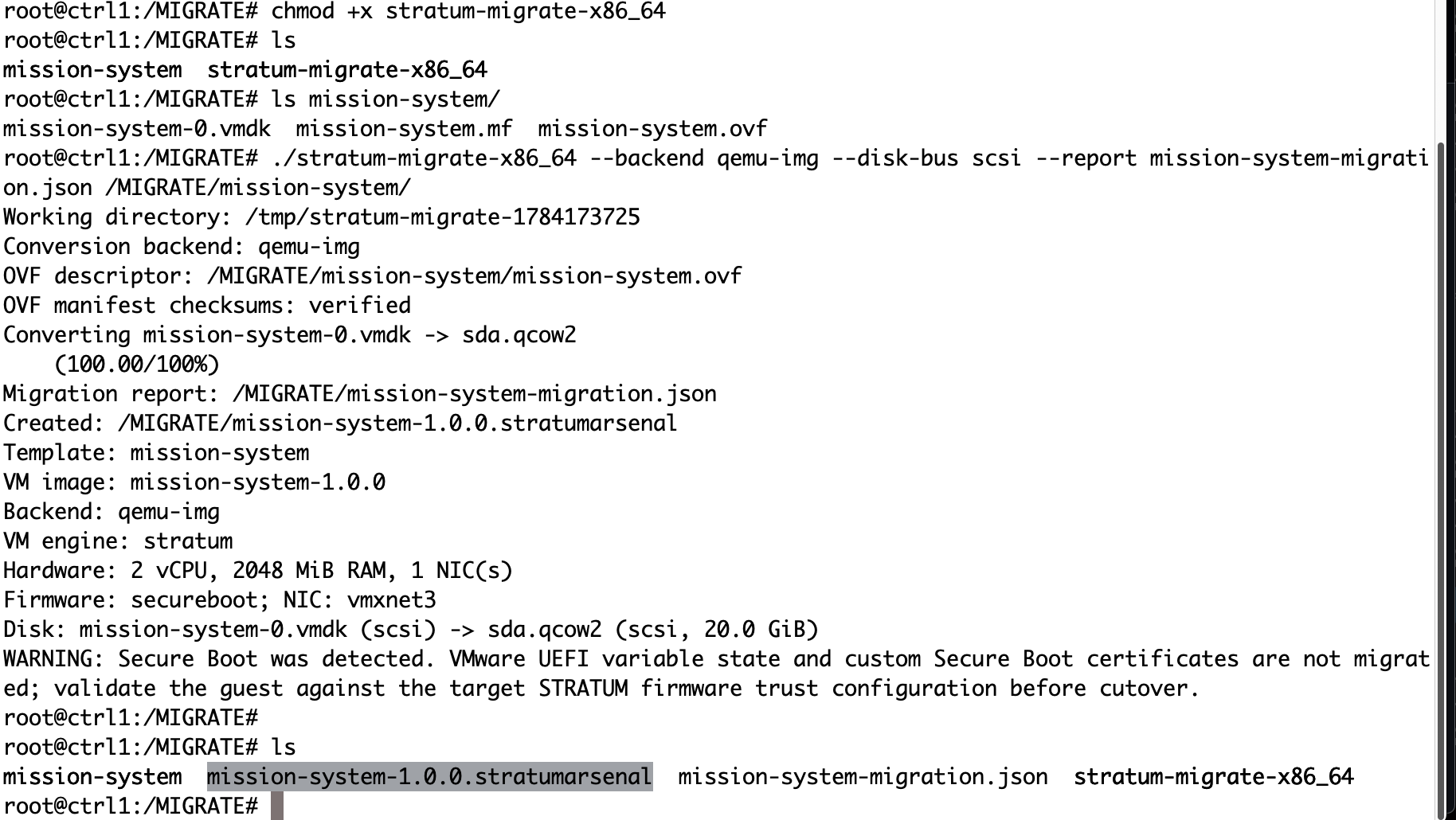
VMware Migrate
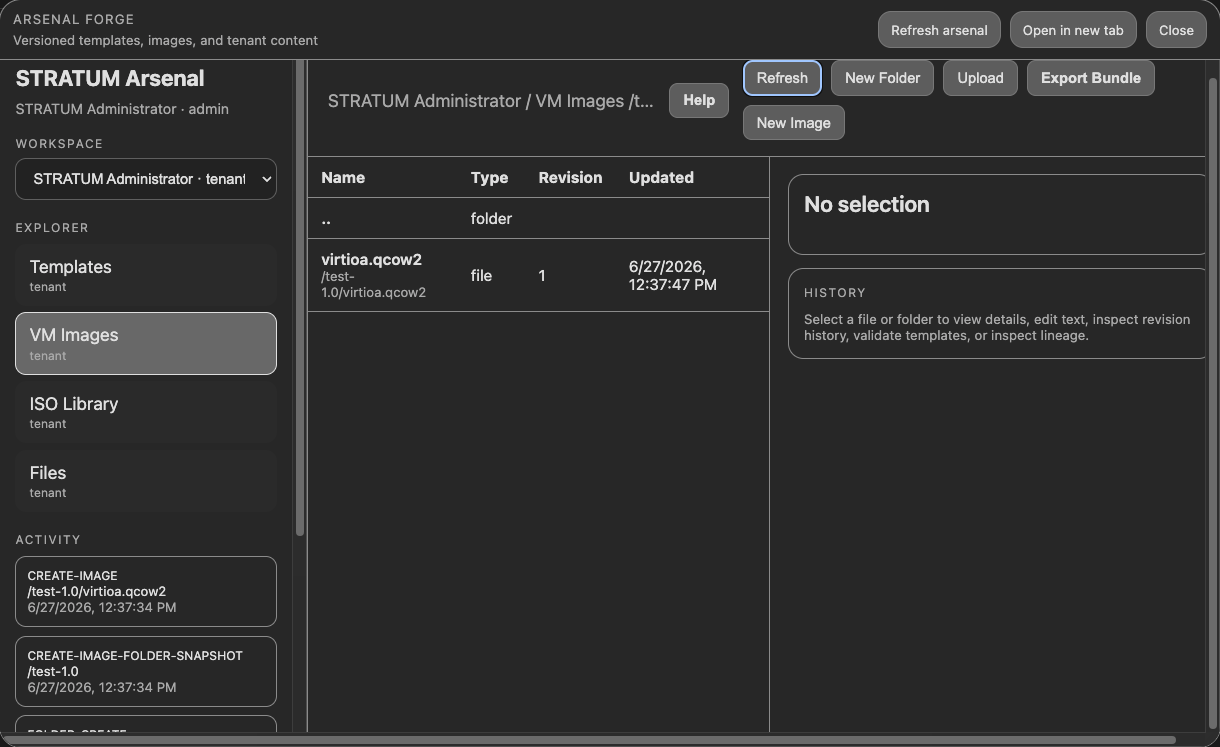
Migrate from VMware to STRATUM by converting the OVA/OVF, or VHDK from Hyper-V, to an stratumarsenel file.
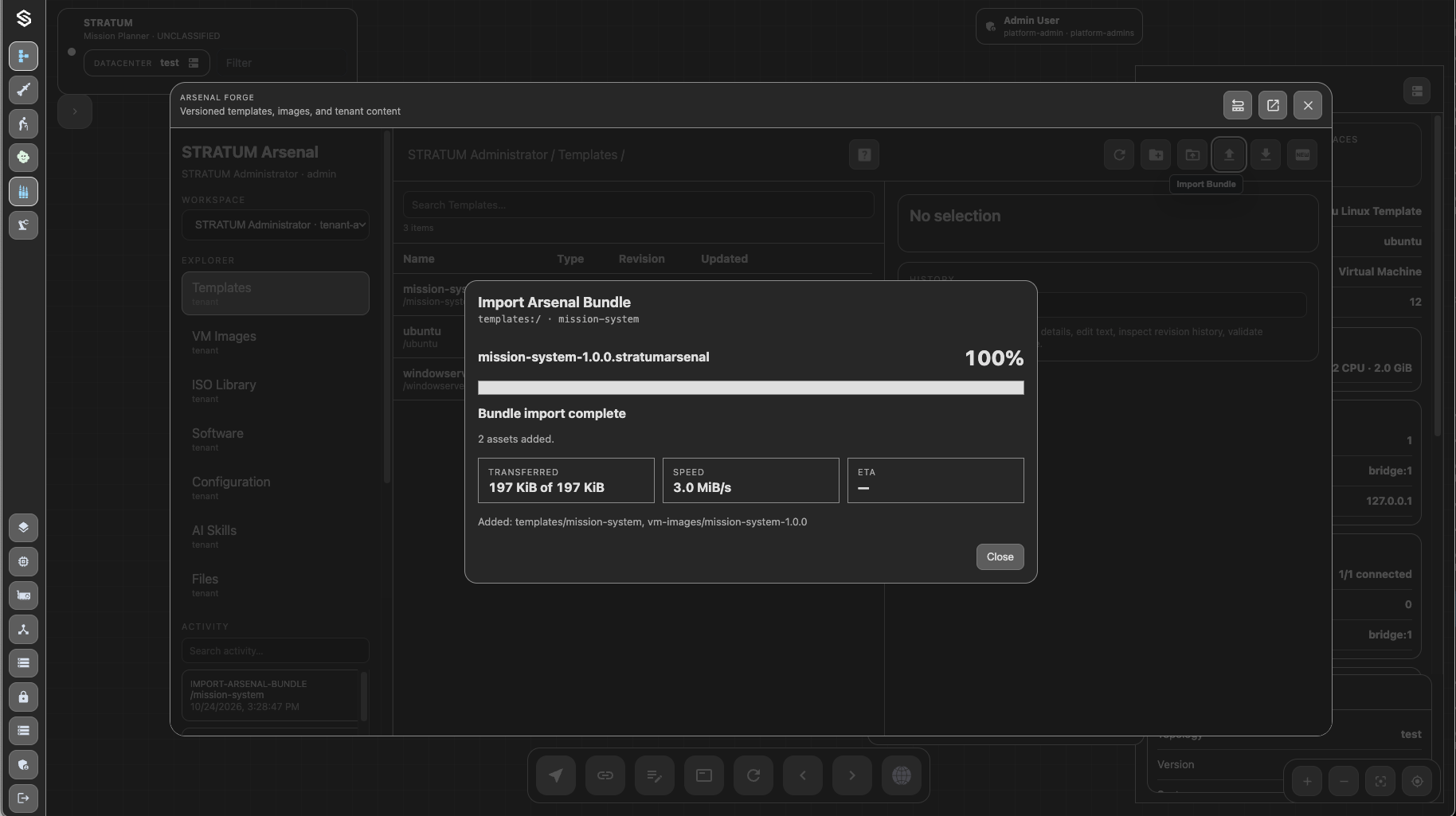
VMware Migrate Part2
Import the created stratumarsenal bundle into STRATUM for immediate use in deployments.

Kubernetes Deploy
Deploy STRATUM into Kubernetes or OpenShift with the controller-first Helm workflow, then add worker roles as required.