PLATFORM / VIDEO
Simple Explanation
Start here: the simplest explanation of STRATUM and the idea behind Datacenters That Think™.
OPEN WATCH PAGEWatch STRATUM in action: four platform films, one featured Rack Scale demonstration, and 28 hands-on walkthroughs covering installation, workers, VM operations, storage, GPUs, networks and recovery.
Explore everything from first installation to Rack Scale, AI factories, STRATUMOPS, post-quantum security and infrastructure delivery as software.
Watch on this site, or open a dedicated page to share a video directly.
Start here: the simplest explanation of STRATUM and the idea behind Datacenters That Think™.
OPEN WATCH PAGE
Datacenter as an Application, infrastructure operations and the platform behind Datacenters That Think™.
OPEN WATCH PAGE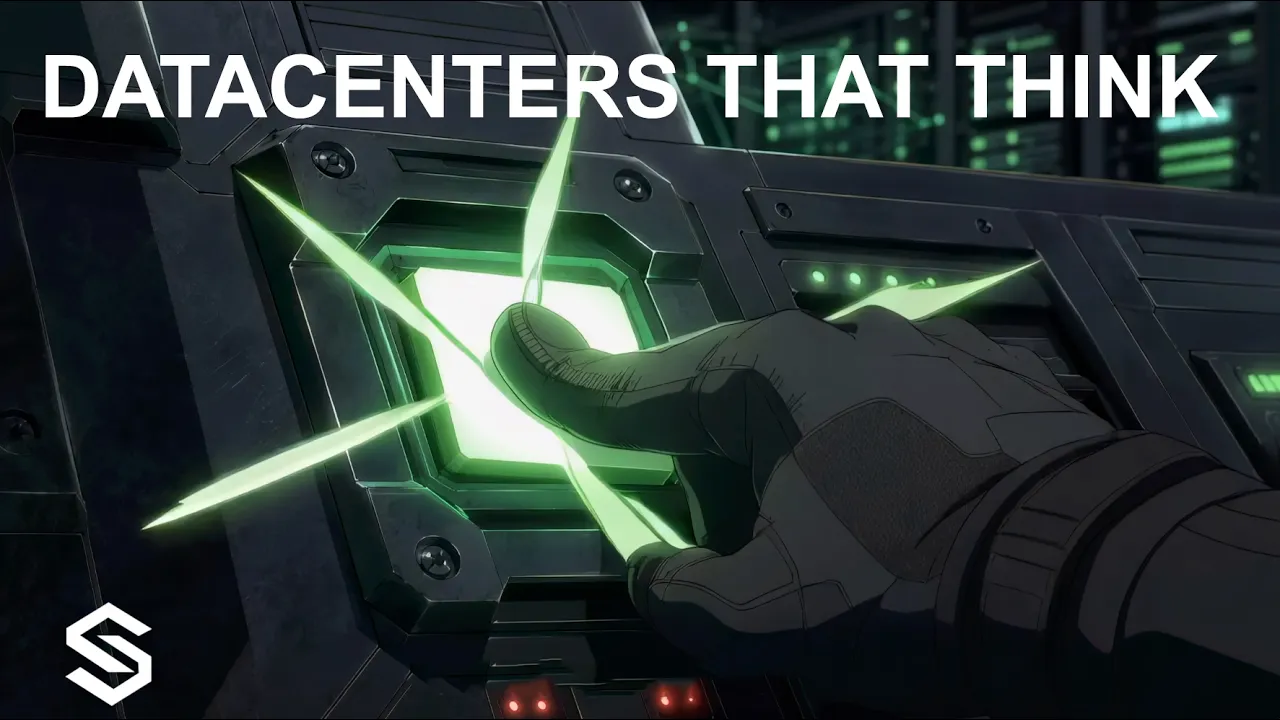
A closer look at a different approach to datacenter infrastructure, deployment and operations.
OPEN WATCH PAGE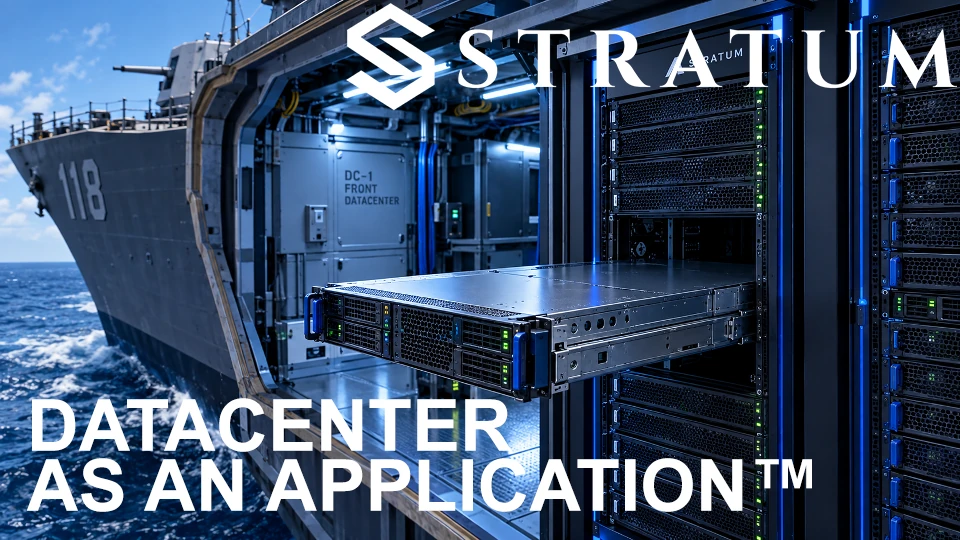
Package the datacenter as a versioned application with compute, networking, storage, security and operations together.
OPEN WATCH PAGEReal STRATUM walkthroughs, from controller installation to distributed networking, storage, GPUs, and guest operating systems. Follow them in order or jump to the task you need. Explore rack-scale infrastructure →
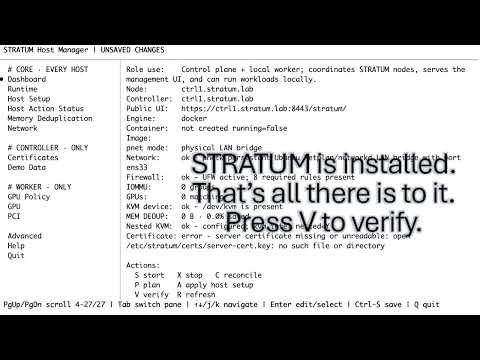
Follow the STRATUM controller installation from the initial setup through the first deployment.
OPEN WATCH PAGE
First-time setup of the STRATUM administration user interfaces after controller installation.
OPEN WATCH PAGE
Walk through installing and connecting a worker node to STRATUM.
OPEN WATCH PAGE
Install a Storage Worker and make storage available for STRATUM workloads.
OPEN WATCH PAGE
Start from an empty virtual datacenter and create a new floor ready for equipment and connectivity.
OPEN WATCH PAGE
See Arsenal Forge, template creation, VM creation, image handling, deployment, and day-to-day VM operation in one walkthrough.
OPEN WATCH PAGE
The controller is shut down entirely and later restarted. Running workloads remain operational throughout this demonstration.
OPEN WATCH PAGE
A hands-on worker GPU setup walkthrough for STRATUM Accelerator Fabric.
OPEN WATCH PAGE
See how STRATUM changes the worker responsible for VM execution.
OPEN WATCH PAGE
Create a STRATUM Switch on another worker, disconnect a VM from its original switch and connect it to the new one while the environment is running.
OPEN WATCH PAGE
Install a Storage Worker alongside an existing STRATUM worker on the same host.
OPEN WATCH PAGE
Disconnect a worker, leave its workloads executing, and bring it back online. The demonstration models edge enclaves, ships, satellite-linked sites and other intermittently connected environments.
OPEN WATCH PAGE
Drag a VM to a Storage Worker, bake the updated image and deploy a new VM to confirm the selected storage server location.
OPEN WATCH PAGE
Install the Linux guest tools and demonstrate STRATUM synthetic PCI-to-GPU access across the network, loading a model and running llama.cpp inference without a local physical GPU.
OPEN WATCH PAGE
Use the integrated switch capture interface while inspecting connected VM ports and network details inside Mission Planner.
OPEN WATCH PAGE
Package an Arsenal template as a bundle, bring it back into STRATUM, and boot a VM deployed from the imported version.
OPEN WATCH PAGE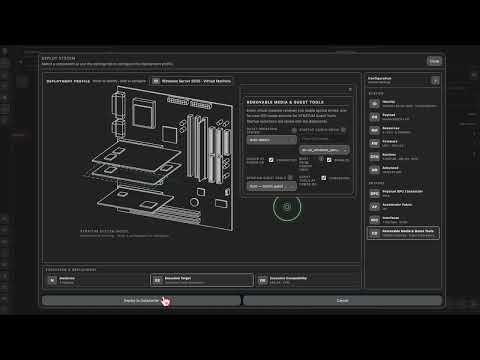
Step through a Windows Server 2025 installation, including loading the required viostor storage driver from the STRATUM guest tools CD during installation.
OPEN WATCH PAGE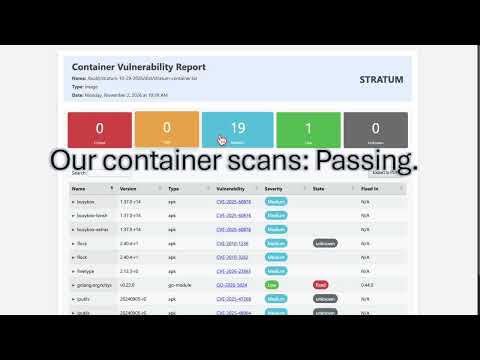
A guided look at STRATUM security evidence, Iron Bank image foundations, vulnerability assessments, source analysis and STIG results.
OPEN WATCH PAGE
Watch infrastructure upgrades follow a familiar container update workflow, using versioned software delivery instead of traditional infrastructure replacement.
OPEN WATCH PAGE
VMware ESXi and vSphere run within a STRATUM virtual datacenter floor, demonstrating nested infrastructure and virtual machine workloads.
OPEN WATCH PAGE
Build a test-bay datacenter, export the environment, import a clone, and start the cloned infrastructure.
OPEN WATCH PAGE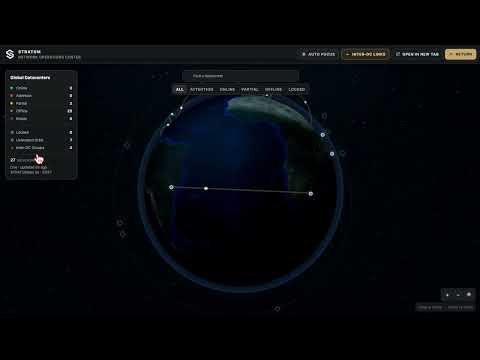
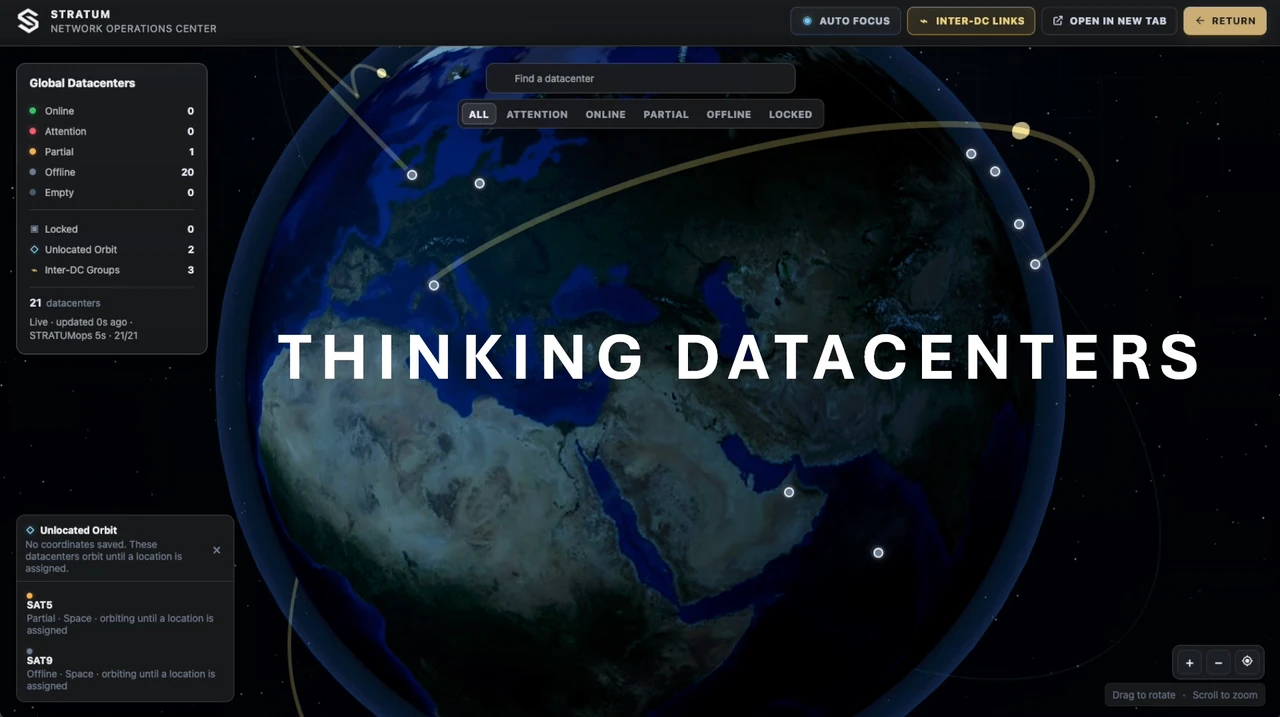
Tour STRATUM Network Operations Center, situational awareness, operational intelligence, and command across distributed infrastructure.
OPEN WATCH PAGE
Review post-quantum cryptography auditing, security posture, and compliance evidence in STRATUM.
OPEN WATCH PAGE
Watch a 1,500-server, 12,000-GPU infrastructure-scale demonstration, from an empty canvas to AI-factory orchestration and mass VM deployment.
OPEN WATCH PAGE
Suspend and resume VMs, create snapshots, consolidate storage, and move workloads to another host in the STRATUM Continuum.
OPEN WATCH PAGE
Introducing STRATUMOPS: a command and situational-awareness layer for datacenters, clouds, edge, and distributed operations.
OPEN WATCH PAGE
Explore virtual disk encryption and decryption with advanced cryptographic controls and STRATUM infrastructure lifecycle management.
OPEN WATCH PAGE
Watch JFrog Artifactory and Xray manage STRATUM OCI image delivery, scanning, SBOMs, container upgrades, and datacenter DevSecOps.
OPEN WATCH PAGENo matching videos. Try another search.